How to Check Your IMEI Registration Status via the Kemenperin Website
You land at Soekarno-Hatta, eager to call a car and head to your villa, only to find your phone has absolutely no signal despite having a local SIM. I remember the panic I felt when my own screen stayed stuck on "No Service" during my first move to Jakarta, leaving me stranded without a way to access my banking or maps. This guide solves that frustration by walking you through exactly how to check your IMEI registration status via the Kemenperin website and what to do if you find yourself blocked.
Why Your Phone Might Suddenly Stop Working in Indonesia
The first thing every expat needs to understand is that Indonesia implemented a strict IMEI (International Mobile Equipment Identity) regulation in April 2020. This wasn't just another layer of bureaucracy; it was a fundamental shift in how mobile devices interact with local networks. The government’s goal was to curb the "black market" for phones and ensure that value-added tax (PPN) is paid on all imported electronics. For those of us living here, it means that any phone brought from abroad must be registered in a national database, or it will be blocked by every local provider.
You might find that your phone works perfectly for the first few days if you are using a roaming service like Airalo, but the moment you try to insert a local Telkomsel or XL SIM card, the network might reject the device. This is often where the confusion begins. Many newcomers assume their phone is broken or that the SIM card is faulty. In reality, the Indonesian government has simply "blacklisted" your device's unique ID because it hasn't been cleared through the proper channels.
Validating this frustration is easy because almost every long-term resident has a "phone story." Whether it was a guest visiting for three months who lost service on day 91 or an expat who bought a used phone on Shopee only to find it was an illegal import, the IMEI system is a constant hurdle. Understanding the Mandatory IMEI Registration: The 90-Day Rule and Airport Customs Process is the first step in ensuring your digital life isn't cut short.
How to Locate Your IMEI Number Before Checking the Status
Before you can even use the Kemenperin website, you need to have your IMEI numbers ready. Most modern phones, especially iPhones and high-end Androids, are dual-SIM. This means they have two separate IMEI numbers—one for the physical SIM slot and one for the eSIM. You must check both. If you only register one and later decide to switch to a digital SIM, you might find yourself blocked all over again.
The most reliable way to find these numbers is to open your phone’s dialer and type *#06#. A screen will immediately pop up with your device’s unique identifiers. I always recommend taking a screenshot of this page. If your phone is already blocked and you are trying to resolve this at a Customs (Bea Cukai) office later, having that screenshot prevents you from fumbling with settings while a busy officer waits. You can also find these numbers in your "About" section under Settings or printed on the original box if you still have it.
It is worth noting that if you are Buying an iPhone in Singapore vs Indonesia: Tax Math and IMEI Hassles, you will need to keep these numbers handy for the declaration process. If the numbers on your phone don't match the numbers you provide to the authorities, the registration will fail, and getting that corrected after the fact is a monumental administrative task that can take weeks of back-and-forth emails.
Navigating the Kemenperin Website Step by Step
The Kemenperin (Ministry of Industry) website is the primary portal for checking if a device has been legally distributed within Indonesia. However, there is a nuance that most people miss: there are actually two different databases. The Kemenperin database generally lists phones that were bought officially inside Indonesia (like from iBox or Erafone), while the Bea Cukai database tracks phones brought in from abroad by individuals.
Accessing the Portal
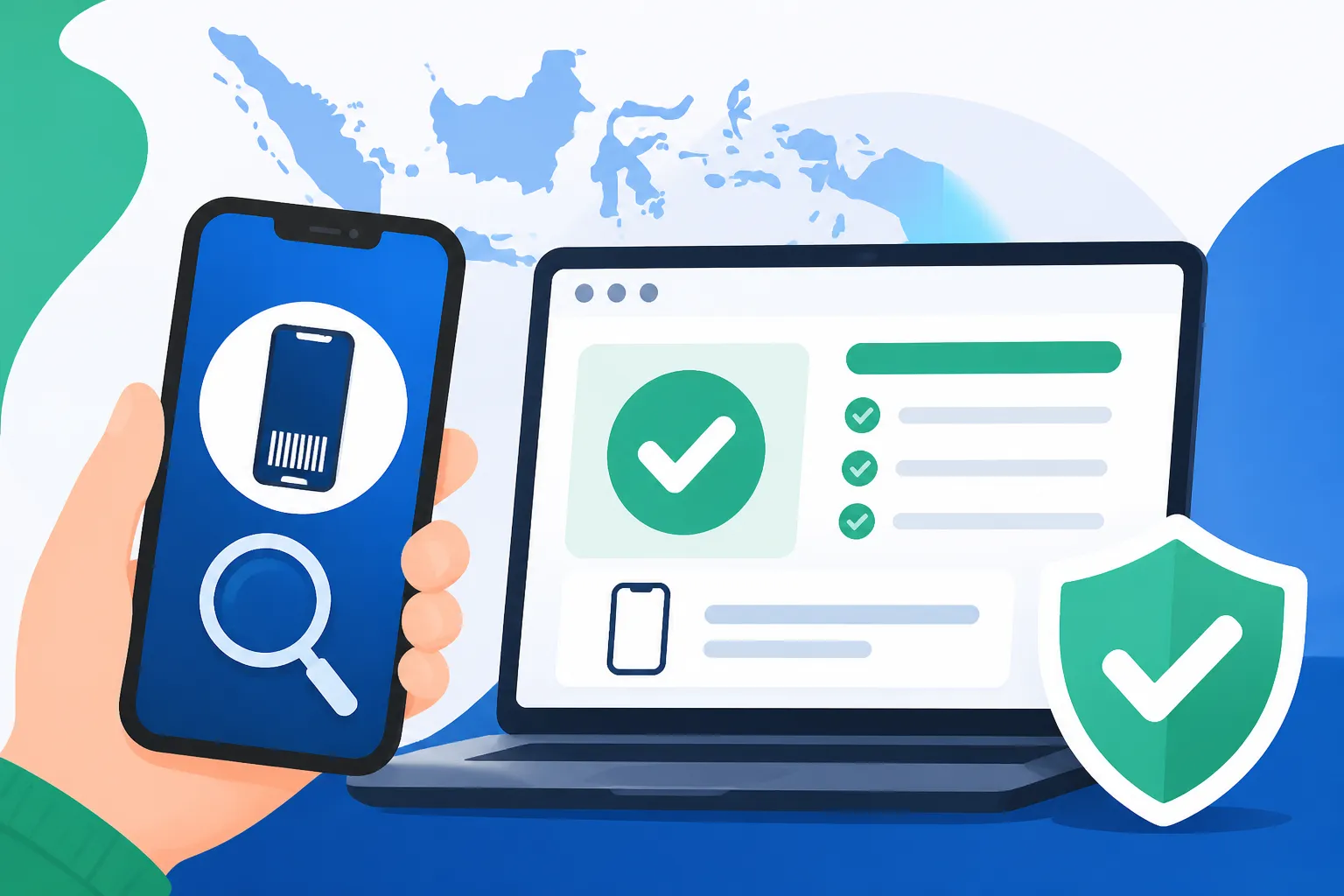
To check your status, you need to visit the official Kemenperin IMEI tracker. The interface is quite simple—usually just a search bar where you input your 15-digit IMEI. When you hit the search icon, you are looking for one specific result: "IMEI terdaftar di database Kemenperin" (IMEI is registered in the Kemenperin database). If you see this, your phone was likely purchased from a legal local retailer and you will never have a problem with local SIM cards.
If you get a result that says "Data tidak ditemukan" (Data not found), do not panic immediately. If you brought your phone from home and registered it at the airport, it might not show up here, but rather in the Customs database. This is a common point of confusion for expats who have already paid their taxes but still see "Data not found" on the Kemenperin site. For those planning to stay long-term, Registering IMEI at the Customs Office After Leaving the Airport (60 Day Limit) is the process you likely followed, which links your phone to your passport rather than the manufacturer's local distribution list.
Understanding the Database Discrepancy
| Scenario | Result on Kemenperin Website | What it Means |
|---|---|---|
| Phone bought at an Indonesian Mall | Registered | You are 100% safe; no further action needed. |
| Phone brought from abroad & Tax Paid | Often "Not Found" | Check the Bea Cukai (Customs) website instead. |
| Tourist phone on a 90-day temporary SIM | Not Found | Your phone is temporarily "whitelisted" by the provider. |
| Phone bought from an unofficial seller | Not Found | The phone is likely a "black market" unit and will be blocked. |
If you are currently staying in a hotel you booked via Agoda and notice your signal has dropped, the first thing you should do is check both the Kemenperin site and the Bea Cukai site. If it’s not on either, you are likely dealing with a block.
What to Do If Your IMEI Is Not Registered
If you’ve checked the website and confirmed your data is missing, your next steps depend on how long you've been in the country and how you acquired the phone. For many expats, the realization hits after they have already left the airport. This is the "danger zone" because the process becomes significantly more expensive and time-consuming once you pass the customs hall.
The Customs Declaration Process
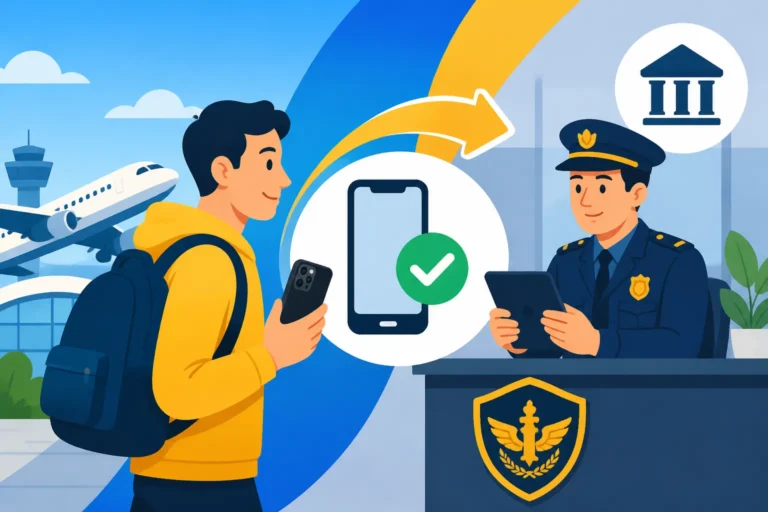
If you have been in Indonesia for less than 60 days, you can still register your phone at a local Bea Cukai office (usually located at major airports or downtown in cities like Jakarta and Surabaya). You will need your passport, your boarding pass or e-ticket, and the device itself. Be prepared to pay the import taxes. This is where Calculating IMEI Customs Tax: The $500 Exemption and NPWP Discount becomes essential reading. Without an NPWP (Tax ID), your tax rate will be significantly higher.
For those who bought a phone locally from a third-party seller on Shopee and found it blocked, you have unfortunately likely been sold a "refurbished" or "internationally sourced" unit that bypassed customs. In this case, there is very little you can do legally to register it yourself, as the registration must be tied to an individual's flight arrival. This is why we always tell newcomers: if a deal on a high-end phone looks too good to be true in Indonesia, it’s probably because the IMEI isn’t registered.
Temporary Solutions for Tourists
If you are only here for a short stint, you don't actually need to register your IMEI with the government and pay tax. You can visit a local provider like Telkomsel and ask for a "Tourist SIM." They will register your IMEI in their internal system for 90 days. I have used this for visiting family members many times. It avoids the tax, but the moment that 90-day window closes, the phone will go dead again. If you are a digital nomad, Setting up an eSIM for Bali Before You Fly: Beware of Unregistered Blockages is a great way to ensure you have data the moment you land while you figure out your long-term registration strategy.
Maintaining Your Connectivity Long-Term
Once you have successfully registered and verified your status on the Kemenperin or Customs website, you are generally set for the life of that device. However, I have seen rare cases where a system update or a change in provider caused a temporary "glitch" in the recognition of an IMEI. Always keep your tax payment receipt (SPPBMCP) from Customs saved in your cloud storage. It is your only legal proof that you have fulfilled your obligations.
If you are a frequent traveler, remember that the IMEI registration is tied to the device, not the owner. If you upgrade your phone during a trip to Singapore or back home, you have to start the entire process over again with the new device. You cannot "transfer" an IMEI registration from an old iPhone to a new one. This catches many people off guard during the holiday season when they return with new gadgets only to find their old Tourist SIM vs Local SIM: Telkomsel, XL, and eSIM Options for New Arrivals strategy doesn't work the same way for a permanent device.
Managing your digital life in Indonesia requires a bit more foresight than in Europe or North America. By proactively checking your status and understanding which database your phone should be in, you can avoid the "No Service" nightmare and stay connected to the apps and people that make expat life manageable.
Disclaimer
The information provided in this guide is for general informational purposes only and is based on regulations as of 2026. Indonesian immigration and customs laws are subject to frequent change without prior notice. While we strive to keep this content updated, we recommend verifying all procedures with official government sources or a legal professional before making financial or travel commitments. Use of third-party websites and services is at your own risk.