Registering IMEI at the Customs Office After Leaving the Airport (60 Day Limit)
Landing in Jakarta or Bali is a dream until you realize your phone has zero signal because you missed the red-tape boat at the airport. I remember standing at the luggage carousel, exhausted and hungry, thinking I could just deal with it later, only to find my expensive flagship phone blocked forty-eight hours later. This guide solves the headache of navigating the sixty-day post-airport IMEI registration window.
Missing the Airport Window: The Reality Check
Listen, I have been exactly where you are. You step off a thirteen-hour flight into the humidity of Soekarno-Hatta, and the last thing you want to do is stand in another queue for the Customs (Bea Cukai) office. You figure you will just use your international roaming or a temporary tourist SIM for a while. Then, suddenly, the signal bars vanish. This is the "IMEI black hole," and it is the most common frustration for new residents. If you did not register your phone immediately upon arrival, you have a secondary window to get it done, but the rules of the game change slightly once you leave the terminal.
The primary reason your phone stops working is the Indonesian government's crackdown on "black market" devices. Every mobile phone brought from abroad must have its International Mobile Equipment Identity (IMEI) registered in the national database to access local networks. While tourists get a ninety-day grace period with specific SIM cards, anyone staying longer on a KITAS or looking for a permanent solution needs to go through the formal registration process. If you missed the desk at the airport, you are now looking at a visit to a local Customs office.
The sixty-day limit is a hard deadline. From the moment your passport is stamped at immigration, the clock starts ticking. You have exactly sixty days to visit a provincial Customs office to register your device. If you wait until day sixty-one, you lose the ability to register under the "personal effect" category, which can lead to significantly higher costs or even a total inability to use the device on local providers like Telkomsel or XL. I have seen expats try to "reset" this by flying to Singapore for a weekend, but that is an expensive and unnecessary workaround if you just follow the steps while you are still in the window.
The Administrative Odyssey: Where to Go and What to Bring
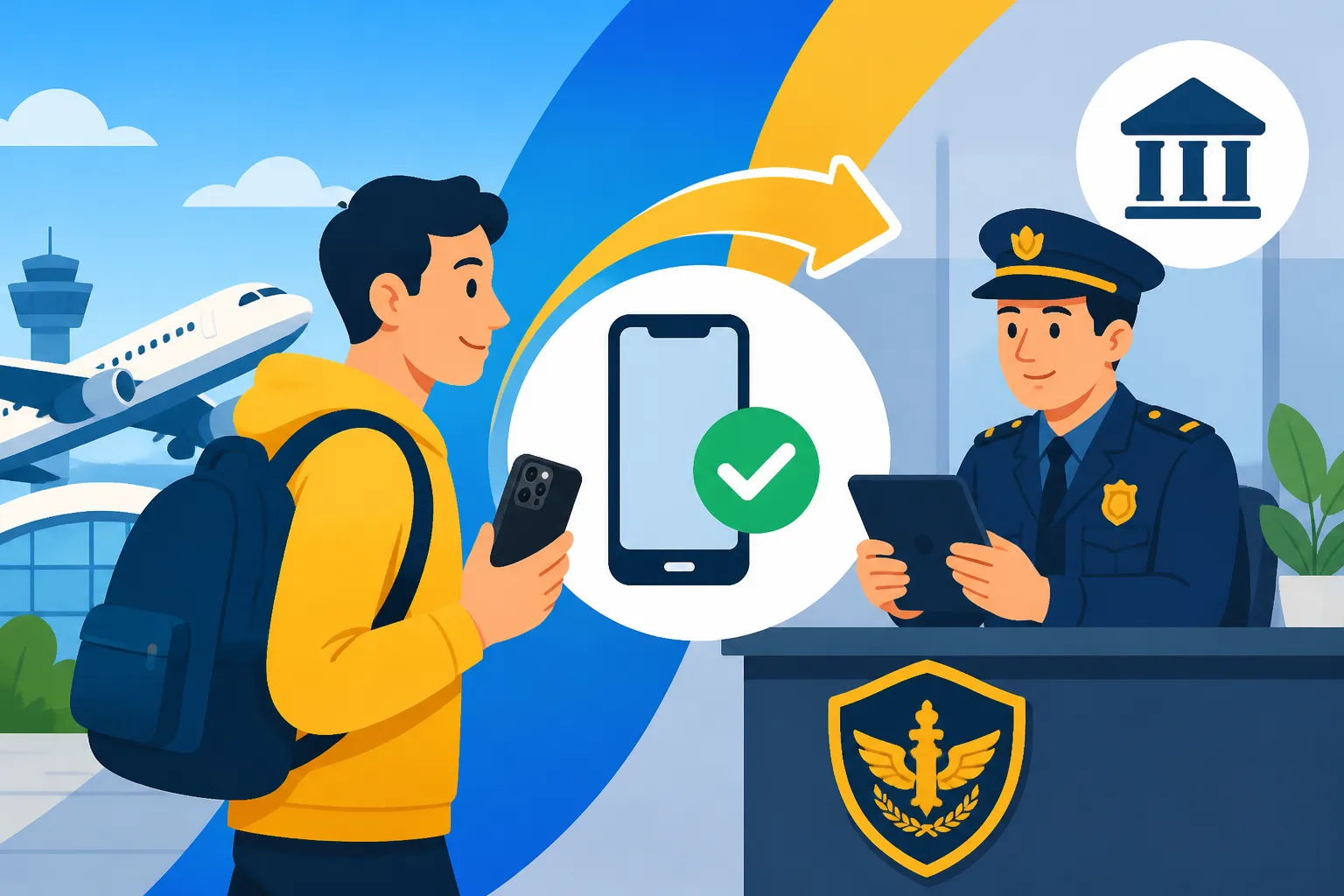
Once you have decided to tackle the registration after leaving the airport, you cannot just go back to the arrival hall. You have to visit a "Kantor Bea Cukai" (Customs Office) in the city. If you are living in one of the popular Jakarta Neighborhoods: Kemang, SCBD, Pondok Indah, and Menteng, you will likely head to the massive office in Rawamangun. For those soaking up the sun in Bali Neighborhoods: Seminyak, Canggu, Sanur, Ubud, and the Bukit, the most convenient spot is the Bea Cukai office in Tuban, right near the airport but accessible from the street side.
Before you jump in a car, you must complete the Electronic Customs Declaration (ECD) online. This is the same form you (should have) filled out at the airport, but you will need to generate a new QR code specifically for IMEI registration. I highly recommend doing this on a laptop at home rather than fumbling with your phone in a waiting room. Print out the confirmation or save a high-resolution screenshot. The officers are generally helpful, but their systems can be finicky, and having a physical backup of your QR code saves a world of trouble.
When you show up, you need a specific "war chest" of documents. You will need your original passport, your boarding pass or a copy of your flight itinerary (to prove your arrival date), the physical phone you are registering, and proof of the phone's value. This last part is where it gets tricky. If you do not have the original receipt, the officers will look up the "market value" of your phone on their internal database. If you have a high-end iPhone or Samsung, they will find the highest possible retail price. If you bought your phone on sale or it’s a bit older, bring a screenshot from a reputable retailer back home to argue for a lower valuation.
The Financial Sting: Calculating Your Taxes and Fees
The biggest "gotcha" of registering after you leave the airport is the loss of the tax exemption. If you register at the airport immediately upon arrival, you get a $500 USD exemption on the value of the device. If you wait and go to the city office later, many travelers find that the exemption is no longer applied, or the calculation becomes much more rigid. This is why it’s vital to read up on Calculating IMEI Customs Tax: The $500 Exemption and NPWP Discount before you head in, so you aren't shocked by a million-Rupiah bill.
The tax isn't just one flat fee; it's a combination of Import Duty (10%), Value Added Tax (PPN – 11%), and Income Tax (PPh). If you have already started the process of Registering for an NPWP (Tax ID): How Expats Link NIK to Tax Records in 2027, make sure to bring your NPWP card or a digital copy. Having a tax ID reduces your Income Tax rate from 20% down to 10%. On a $1,200 smartphone, that 10% difference is a significant chunk of change that could be better spent on a weekend trip.
To give you an idea of the workflow, here is a comparison of your two main options when you’ve missed the initial airport window:
| Feature | Registration at Airport (Day 0) | Registration at City Office (Day 1-60) |
|---|---|---|
| Tax Exemption | $500 USD per person | Often waived or strictly limited |
| Location | Arrival Hall Bea Cukai Desk | Kantor Bea Cukai (City) |
| Time Required | 15 – 30 Minutes | 1 – 4 Hours (plus traffic) |
| Documents | Passport, QR Code, Phone | Passport, QR Code, Boarding Pass, NPWP |
| NPWP Requirement | Helpful, but not mandatory | Highly recommended to save 10% |
If the taxes end up being too high—sometimes reaching 30% of the phone's value—you might want to consider if the device is worth it. For some, it’s cheaper to jump on Shopee and buy a local Indonesian-spec phone for your daily use while keeping your foreign phone for Wi-Fi and photos. It sounds absurd, but with the Everyday Budgeting in Indonesia: Cost of Living in Jakarta vs Bali vs Regional constantly shifting, spending $400 on taxes for a three-year-old phone rarely makes financial sense.
Life After Registration: Staying Connected
Once the officer scans your QR code, inspects your phone’s "About" screen for the IMEI number, and processes your payment, you aren't quite finished. You will receive a physical receipt or a digital confirmation. Hold onto this like it is gold. It can take anywhere from a few hours to forty-eight hours for the system to sync with the Ministry of Industry (Kemenperin) and the cellular providers. I usually tell people to book a nice lunch nearby using Agoda to find a spot with good Wi-Fi while they wait for the signal to kick in.
If your signal doesn't return after two days, you need to check the Kemenperin database online. Simply type "Cek IMEI" into Google, and you will find the official government portal. Enter your fifteen-digit IMEI number. If it says "IMEI terdaftar di database Kemenperin," your hardware is officially legal. If you still have no signal, the issue lies with the provider. You might need to visit a GraPARI (Telkomsel) or an XL Center to have them "refresh" your SIM card's connection to the newly registered IMEI. This is a common hiccup and usually takes five minutes at the service center.
While you are waiting for the red tape to clear, don't leave yourself stranded. I always suggest installing Airalo for a temporary eSIM data plan. It won't give you a local number, but it will keep your Google Maps and WhatsApp working so you can use Navigating Gojek and Grab: Food Delivery, Transport, and Package Courier to get home from the Customs office. Relying on the kindness of strangers for a Wi-Fi hotspot in the middle of a Jakarta traffic jam is a "newbie" mistake you want to avoid.
Finally, remember that this registration is tied to the device, not the SIM card. If you upgrade your phone later or buy a new one during a trip home, you have to do this whole dance all over again. Many expats find it easier to just buy their tech locally in Indonesia to avoid the Mandatory IMEI Registration: The 90-Day Rule and Airport Customs Process entirely. However, if you are attached to your foreign-bought device, navigating the sixty-day window is a rite of passage that every long-term resident eventually masters.
Once your phone is finally buzzing with local 5G, the rest of your Living in Indonesia as an Expat: The Complete Starter Guide (2027) will feel much more manageable. You can finally Opening a Bank Account in Indonesia: Document Checklists (KITAS, NPWP, Passport) with a local number and truly start your life in the archipelago. It is a bit of a climb, but the view—and the connectivity—at the top is worth it. If you have more bulky items to bring, don't forget to check the Moving Logistics: Domestic Shipping, Customs, and Bringing Pets to Indonesia guide to ensure your other belongings don't get stuck in the same web of bureaucracy.
Disclaimer
This guide is based on personal expat experiences and current Indonesian Customs regulations as of 2026. Laws and tax rates in Indonesia can change frequently and without significant prior notice. Always verify the latest requirements on the official Bea Cukai or Kemenperin websites before visiting an office. This information is for educational purposes and does not constitute legal or professional financial advice.