Budgeting App Connections: Which Apps Sync with Indonesian Banks?
Trying to sync your favorite international budgeting app with an Indonesian bank account is a recipe for digital heartbreak. I spent my first six months in Jakarta manually typing every "Nasi Goreng" purchase into a spreadsheet because my US-based apps refused to acknowledge my BCA account existed. This guide solves that frustration by identifying which apps actually bridge the gap and how to automate your financial life in the Archipelago.
The Reality of Open Banking in Indonesia
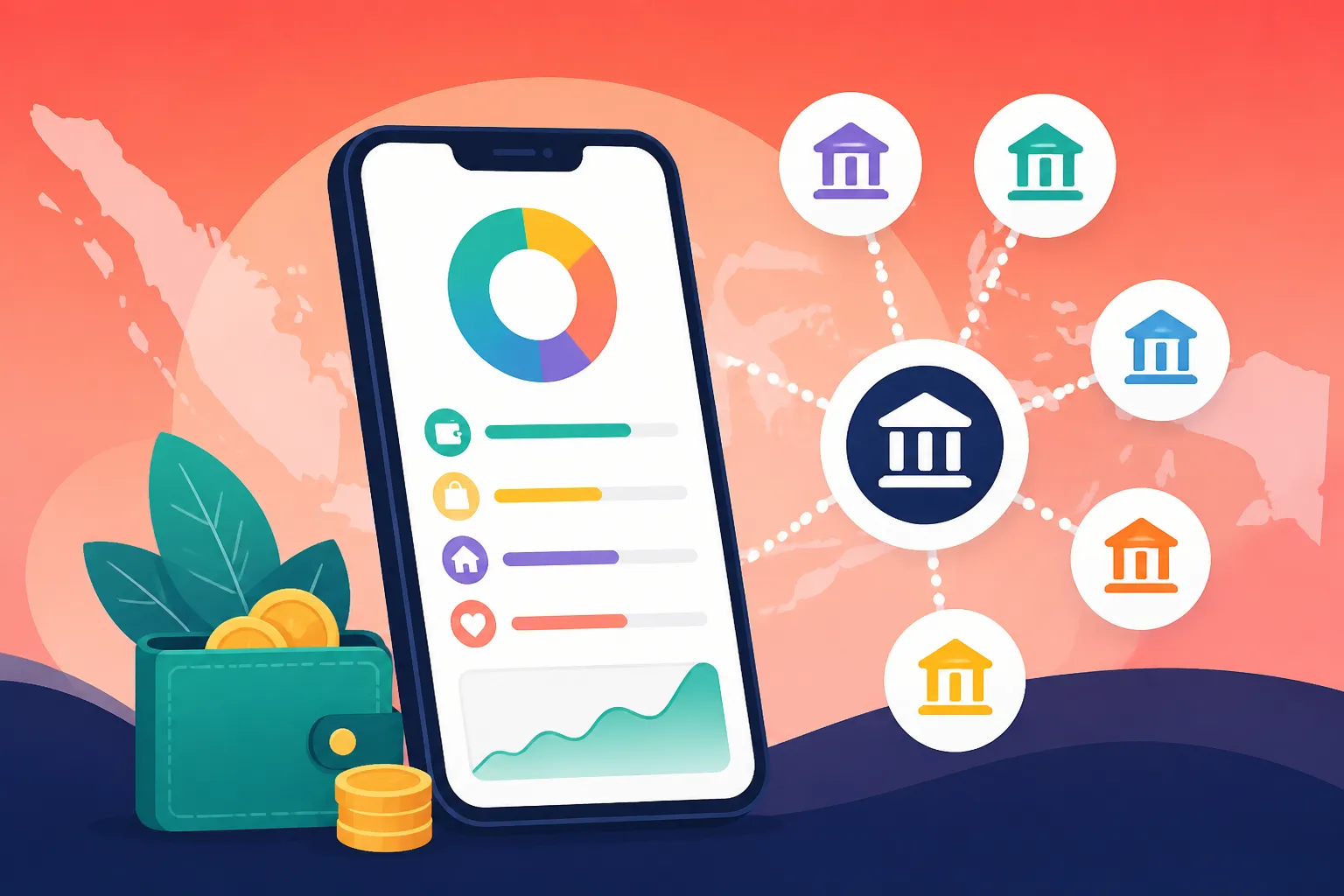
If you are coming from Europe or North America, you are likely used to "Open Banking" protocols like Plaid or Salt Edge working seamlessly. You click a button, log into your bank, and suddenly every transaction is categorized. In Indonesia, the financial landscape is still a bit of a fortress. While the central bank (Bank Indonesia) has been pushing for a standardized API system called SNAP (Standard National Open API), the implementation by individual banks has been focused more on payment gateways than third-party budgeting tools.
The result is that most "big" budgeting apps—the ones you see advertised on YouTube—simply don't support direct sync for Indonesian institutions. This is largely due to the high-security protocols Indonesian banks use, such as mandatory Two-Factor Authentication (2FA) via SMS or hardware tokens for almost every session. While this keeps your money safe, it makes it incredibly difficult for a scraper or an aggregator to pull your data in the background. For many residents, understanding Money in Indonesia for Foreign Residents: Banking, Tax, and Financial Setup (2027) is the first step in realizing that the local system operates on its own set of rules.
Despite these hurdles, the landscape is shifting. Local digital banks and a few savvy international aggregators have started to make inroads. However, the "connection" is often fragile. It is not uncommon for a sync to work perfectly for three weeks and then break for two months because a bank updated its mobile interface. As someone who has lived through these "sync outages," I always recommend having a backup plan that doesn't involve your app being permanently tethered to your bank's server.
The Rise of Digital Banks and API Access
Digital-first banks are currently the heroes of the budgeting world in Indonesia. If you are using a legacy bank, you are likely out of luck for direct sync. However, if you have moved your daily spending to a digital platform, your chances of automation increase significantly. When looking at Top Banks for Expats: Comparing BCA, Mandiri, BNI, and Digital Banks (Jenius), you will notice that Jenius (by BTPN) and Bank Jago are far more friendly to third-party integrations.
These banks often allow for better transaction exports and, in some cases, have "pockets" or "hubs" within their own apps that act as a built-in budgeting tool. For those of us who want our data in a specific third-party app, these digital banks often provide more consistent CSV exports that are formatted in a way that international apps can actually read. If you are still using a traditional "Buku Tabungan" (passbook) account, you are essentially living in the 1990s as far as fintech is concerned.
Why QRIS and E-Wallets Complicate Everything
The biggest challenge to budgeting in Indonesia isn't the banks themselves—it is how we spend money. Almost everything is done via QRIS (Quick Response Code Indonesian Standard). Whether you are buying a coffee at a high-end mall or satay on the street, you are likely using an e-wallet. This means your bank statement might just show "Top-up GoPay" or "Transfer to OVO" five times a day.
To truly budget, you need an app that can see inside those e-wallets. Since e-wallets are even more protective of their data than banks, you will almost never find an app that syncs directly with GoPay or OVO. This is why Digital Banking and E-Wallets: How to Register for GoPay, OVO, and Dana is such a critical piece of the puzzle. You have to decide if you want to track the "Top-up" as the expense, or if you are willing to manually enter the individual transactions within the wallet. Most veterans choose the former for the sake of their mental health.
International Apps That Support Indonesian Sync
If you are determined to have a "Live Sync" experience, your options are limited, but they do exist. The key is to look for apps that use "Salt Edge" as their data aggregator, as Salt Edge has spent the most time building bridges into Southeast Asian banks.
Wallet by BudgetBakers
This is currently the "Gold Standard" for expats in Indonesia who want automated sync. It is one of the few global platforms that consistently lists major Indonesian banks in its connection directory. I have successfully linked BCA and Mandiri accounts to Wallet, though I will warn you that you have to re-authenticate the connection frequently due to Indonesia’s 2FA requirements.
Wallet allows you to see your local Rupiah accounts alongside your home country accounts, providing a holistic view of your net worth. It handles currency conversion reasonably well, which is vital when you are managing wealth across borders. For those who are also trading or holding assets elsewhere, using a platform like Binance for crypto or Interactive Brokers for stocks is common, and Wallet can sometimes act as the central hub to view these disparate balances, though the sync for Indonesian banks remains its most unique selling point locally.
PocketSmith
PocketSmith is a favorite among the "fire" (Financial Independence, Retire Early) community because of its powerful forecasting tools. It uses a variety of data feeds, and while its support for Indonesian banks is "hit or miss" depending on the month, its manual import tool is the best in the business. If the sync breaks, PocketSmith makes it very easy to drag and drop a CSV file from your bank's web portal and "learn" how to categorize those transactions.
This app is particularly useful for those who have a complex financial life involving International Money Transfers: Using Wise, SWIFT, and Local Bank Remittances. Since you are likely moving money between a home account and a local account, PocketSmith’s ability to recognize "transfers" versus "expenses" prevents you from double-counting your spending. I personally use it to track my long-term goals while using a simpler app for daily coffee runs.
YNAB (You Need A Budget) and the Manual Workaround
YNAB is arguably the most popular budgeting app in the world, but it does not officially support direct sync for Indonesian banks. You will not find BCA, Mandiri, or BNI in their search list. However, many expats (myself included) refuse to give up the YNAB methodology. The workaround is a community-built tool called "Bank2YNAB" or simply downloading your transactions from your bank's website.
In Indonesia, How to Pay Utilities via M-Banking Apps (BCA Mobile, Livin' by Mandiri) is a regular task, and YNAB's manual entry system actually works well with this. By entering the transaction at the "Point of Sale" (or the point of "Klik"), you stay more aware of your spending. It is a bit more work, but in a country where "spending leak" is a real problem due to the low cost of small items, the manual discipline can actually save you millions of Rupiah over a year.
| App Name | Direct Sync Support (ID Banks) | Best Feature for Expats | Cost (Approximate) |
|---|---|---|---|
| Wallet by BudgetBakers | High (BCA, Mandiri, CIMB) | Multiple Currency Support | Free / $22 Yearly |
| PocketSmith | Medium (via Salt Edge) | 30-Year Financial Forecasting | $10 – $20 Monthly |
| YNAB | None (Manual only) | Zero-Based Budgeting Method | $15 Monthly |
| Bank Jago (Native) | Perfect (In-app) | Auto-Categorizes QRIS | Free |
| Blue by BCA | Perfect (In-app) | Integration with BCA Ecosystem | Free |
Security, Privacy, and Local Workarounds
When you give a budgeting app your banking credentials, you are taking a calculated risk. In Indonesia, where cyber-security standards can be inconsistent, this risk feels a bit heavier. I have seen many expats shy away from sync apps entirely because they don't want their BCA login details sitting on a server in Europe or the US.
One way to mitigate this is to ensure you are always using a secure connection when managing these links. I never check my financial apps on public Wi-Fi in Bali or Jakarta without NordVPN active. It adds a layer of encryption that is essential when you are dealing with the "fragile" APIs of local banks. Additionally, many expats prefer to keep their "investment" life and "daily spending" life completely separate. They might use Binance for their digital assets and Interactive Brokers for their global ETFs, keeping those accounts completely unlinked from their local Indonesian daily spending app for maximum security.
The "CSV and Excel" Veteran Method
If you find that the apps are too glitchy, there is no shame in going old school. Most Indonesian banks allow you to download a "Mutasi Rekening" (Transaction History) in CSV or XLS format. The secret is to do this once a week—Sunday morning coffee is my ritual. By downloading the data, you can quickly see if you have stayed within the Everyday Budgeting in Indonesia: Cost of Living in Jakarta vs Bali vs Regional benchmarks.
The manual method also allows you to catch "phantom charges." Small administrative fees, "Baya Admin," and tiny insurance premiums often sneak into Indonesian bank accounts. A sync app might just categorize these as "Bank Fees," but when you look at the spreadsheet yourself, you might realize you are paying for a service you never signed up for. This is especially true when Opening a Bank Account in Indonesia: Document Checklists (KITAS, NPWP, Passport) and realizing how many "add-ons" some tellers will try to include.
Using Wise for Budgeting
For many of us, Wise has become a de-facto secondary bank account. If you hold a Wise card, you can use it for your "fun money" or "eating out" budget. The beauty of Wise is that it syncs with almost every budgeting app perfectly. By transferring a set amount of Rupiah from your BCA account to your Wise IDR balance at the start of the month, you can automate the tracking of at least that portion of your spending.
I use Wise to pay for my international subscriptions (Netflix, Spotify, NordVPN) and my local Grab rides. Since Wise provides instant push notifications and easy-to-read statements, it bridges the gap between the "closed" Indonesian system and the "open" international budgeting world. It is much easier to track one big transfer to Wise than fifty small transactions inside an Indonesian bank app that doesn't want to talk to your budgeter.
Strategies for a Stress-Free Budget
If you are new to the country, don't try to automate everything on day one. Start by setting up your local accounts and getting used to the flow of Rupiah. You will quickly find that the "leakage" in an Indonesian budget usually comes from three places: food delivery apps (GoFood/GrabFood), small Indomaret runs, and unexpected "donations" or tips.
Categorizing the "Uncategorizable"
In your budgeting app, create a category specifically for "Gojek/Grab." Don't try to split out the "delivery fee" from the "food cost" and the "tip"—you will go insane. Just treat the entire ecosystem as one bucket. Similarly, keep a "Cash" category. Despite the rise of Using QRIS: The Cashless Payment System Revolutionizing Indonesian Commerce, you will still need cash for parking attendants (Tukang Parkir) and certain local markets. I usually just "expense" my ATM withdrawals as "Cash Spending" immediately and don't worry about where every single 2,000 IDR note goes.
Long-Term Financial Health
Budgeting in Indonesia isn't just about tracking your monthly rent; it's about making sure your global portfolio is growing while you enjoy the tropical lifestyle. This is where the "heavy hitters" come in. While you use a simple app like Wallet or a spreadsheet for your daily Bintangs, you should be using Interactive Brokers for your serious long-term investing. The fees are significantly lower than any local "reksadana" (mutual fund) you will find in Indonesia, and the security is world-class.
By keeping your "living" budget in an app that can at least semi-sync with your Indonesian bank, and your "wealth" budget in a platform that tracks your global assets, you get the best of both worlds. You can enjoy your life in the sun without waking up five years later wondering where all your money went.
Important Financial Disclaimer
The information provided in this guide is for educational and informational purposes only and does not constitute professional financial, investment, or legal advice. Financial regulations in Indonesia, including banking APIs and tax requirements, are subject to frequent change. Always conduct your own research and consult with a qualified financial advisor or tax professional before making significant financial decisions. The mention of specific apps and services does not imply a guarantee of their performance or security. All financial activities, especially those involving cross-border transfers and digital assets, carry inherent risks.