Using QRIS: The Cashless Payment System Revolutionizing Indonesian Commerce
Standing in a humid Jakarta line, fumbling for a crumpled 2,000 Rupiah note while the "no change" look spreads across a vendor's face, is a rite of passage every foreigner eventually grows to loathe. I remember my first month in the city, carrying a wallet so thick with small bills it wouldn't even close, yet I still couldn't pay for a simple coffee because I lacked the "exact amount." This guide solves that administrative and physical headache by mastering the QRIS ecosystem, ensuring you never have to carry a brick of cash again.
Understanding the QRIS Ecosystem
The Quick Response Code Indonesian Standard, or QRIS (pronounced "kris"), is not just another app; it is a unified national standard for all QR payments in the country. Before its implementation, the landscape was a fragmented mess where every digital wallet had its own unique QR code, forcing merchants to display a dozen different stickers on their counters. Today, a single code at a roadside warung or a high-end boutique in the SCBD can be scanned by any Indonesian banking or e-wallet application. This interoperability is the backbone of Money in Indonesia for Foreign Residents: Banking, Tax, and Financial Setup (2027) and has fundamentally shifted how we interact with the local economy.
The Technical Standardization and Bank Indonesia
Behind the scenes, Bank Indonesia mandated this standard to ensure that even the smallest micro-merchants could participate in the digital economy. For you as an expat, this means that whether you use a heavy-hitting bank like BCA or a casual e-wallet like GoPay, the transaction remains seamless. The technology uses a specific encryption layer that makes it significantly safer than traditional card swiping, which was historically prone to skimming in certain tourist areas. When you scan a QRIS code, the system immediately identifies the merchant's ID, the payment gateway, and the transaction details, providing a digital trail that is invaluable for your personal Everyday Budgeting in Indonesia: Cost of Living in Jakarta vs Bali vs Regional.
Regional Connectivity and Cross-Border Payments
QRIS has expanded far beyond the borders of the Indonesian archipelago. Thanks to bilateral agreements, you can now use your Indonesian banking apps to scan QR codes in Singapore, Malaysia, Thailand, and even parts of Japan. For those of us who travel frequently within ASEAN, this eliminates the need to constantly exchange small amounts of currency at predatory airport rates. It also means that if you have friends visiting from these countries, they can often pay at Indonesian merchants using their own domestic apps. This level of integration makes the Indonesian digital finance space one of the most advanced in the world, often putting Western systems to shame in terms of daily utility and speed.
The Impact on Micro-Commerce and Street Vendors
The most profound change for the "veteran expat" is seeing QRIS stickers on a wooden cart selling bakso or a small flower stall in a traditional market. Previously, these transactions were 100% cash-dependent. The "Kembalian" problem—where a vendor tries to give you candy instead of small change because they have no coins—is virtually eliminated by QRIS. For many residents, this has made it possible to go an entire week without touching a physical banknote. It provides a level of financial inclusion for the locals that also happens to make our lives as foreigners significantly more convenient.
Choosing Your QRIS Platform as an Expat
Navigating the various apps can be a bit overwhelming at first. You basically have two main paths: using a traditional bank's mobile app or using a dedicated e-wallet. Most long-term residents eventually find that a hybrid approach works best. While your main salary might sit in a traditional account, your daily coffee and Gojek rides are often handled more smoothly through a dedicated wallet. To get the best start, you should look into Opening a Bank Account in Indonesia: Document Checklists (KITAS, NPWP, Passport) to see which institutions are currently the most "foreigner-friendly" in terms of app interface and English support.
Traditional Local Bank Apps
The "Big Four" banks—BCA, Mandiri, BNI, and BRI—all have robust mobile applications with integrated QRIS scanners. BCA’s "BCA Mobile" and Mandiri’s "Livin'" are the most popular among the expat community for their reliability. The primary advantage of using a bank app is that there are no "top-up" limits like those found in e-wallets. If you are making a large purchase, such as furniture or a high-end bicycle, the bank app is your best bet. Furthermore, How to Get a BCA Debit Card on the Same Day You Apply often goes hand-in-hand with getting their mobile app set up, providing you with a complete financial toolkit from day one.
E-Wallets: GoPay, OVO, and Dana
If you don't have a local bank account yet, or if you prefer a more "tech-forward" experience, e-wallets are the way to go. These apps are the lifeblood of the country. GoPay is integrated into the Gojek "super-app," making it essential for transport and food delivery. OVO is frequently tied to the Grab ecosystem and Tokopedia, while Dana is often the preferred choice for paying various household bills. For a deep dive into the pros and cons of each, refer to Digital Banking and E-Wallets: How to Register for GoPay, OVO, and Dana. These apps are incredibly fast, but as a foreigner, you will need to go through a verification process to unlock their full potential.
Digital-Only Banks: Jenius and Beyond
For the more digitally native expat, Jenius (by BTPN) has long been a favorite due to its ease of use and the ability to manage multiple currency "pockets." Their QRIS implementation is very smooth and allows you to track spending with much more granularity than traditional banks. When comparing options in Top Banks for Expats: Comparing BCA, Mandiri, BNI, and Digital Banks (Jenius), you’ll notice that Jenius often offers better features for those who want to avoid the "old-school" bureaucracy of traditional Indonesian banking branches.
The Registration and Verification Process
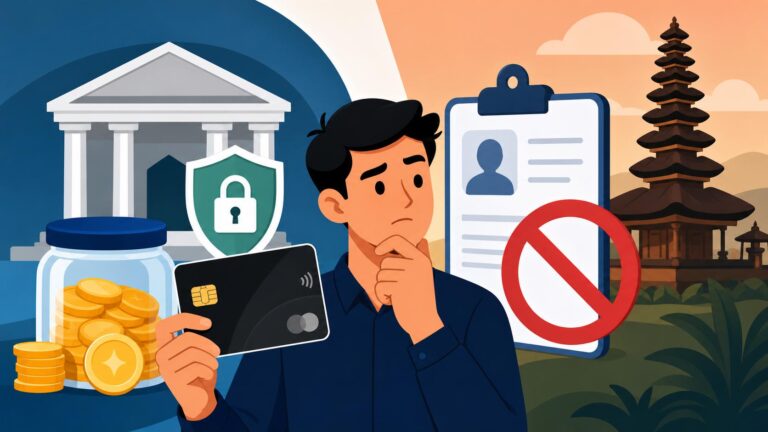
You can download most of these apps and start using them for small amounts almost immediately, but you will quickly hit a wall. In Indonesia, "Know Your Customer" (KYC) regulations are strict. Without a verified account, you cannot hold a balance over a certain amount (usually around 2 million IDR), and you cannot use the "transfer" or "withdraw" features. For an expat, this is where the administrative hurdle usually appears.
The KYC Process for Foreigners
To "verify" or "upgrade" your account, the app will usually ask for a selfie while holding your ID. For Indonesians, this is a simple KTP scan. For us, it usually requires a passport and, more importantly, a KITAS or KITAP. If you are struggling with the documentation, make sure you have followed the Financial Checklist for Your First 30 Days in Indonesia. Some apps have become much better at recognizing foreign passports, but others might still require a visit to a physical booth or branch to finalize the verification. Once done, you’ll be able to hold up to 20 million IDR in your wallet, which is more than enough for most daily needs.
Passport vs. KITAS Verification
There is a common frustration among those on tourist visas or "Digital Nomad" setups. Not all apps allow verification with just a passport and a Visa on Arrival. GoPay and OVO have historically been the most flexible, occasionally allowing passport-only verification, but the rules change frequently. If you are here on a long-term permit, you must prioritize Upgrading E-Wallets to Premium (GoPay Plus) Using a Foreign Passport and KITAS as soon as you have the documents. This "Premium" status is what allows you to use the "QRIS Tuntas" features, which include the ability to withdraw cash at ATMs without a card.
Setting Up Your PIN and Bio-metrics
Security is paramount. Every QRIS transaction will require a 6-digit PIN. Most modern apps now allow you to use FaceID or fingerprint scanning to authorize payments, which is a massive time-saver when you’re standing at a busy cash register. However, never forget your manual PIN. If you restart your phone or the app updates, you will be prompted for that 6-digit code. Given the prevalence of public Wi-Fi in Indonesian malls and cafes, I always recommend using NordVPN when accessing your financial apps to ensure your connection is encrypted and your credentials aren't being intercepted by malicious actors on the network.
| Feature | GoPay | OVO | Dana | Bank App (BCA/Mandiri) |
|---|---|---|---|---|
| Max Balance (Unverified) | 2M IDR | 2M IDR | 2M IDR | N/A |
| Max Balance (Verified) | 20M IDR | 20M IDR | 20M IDR | Account Limit |
| Ease of Registration | High | High | Medium | Medium (Requires Branch) |
| English Language Support | Excellent | Good | Good | Moderate |
| Main Advantage | Gojek Integration | Grab/Tokopedia Perks | Bill Payment Focus | No Top-Up Needed |
Practical Usage and Daily Scenarios
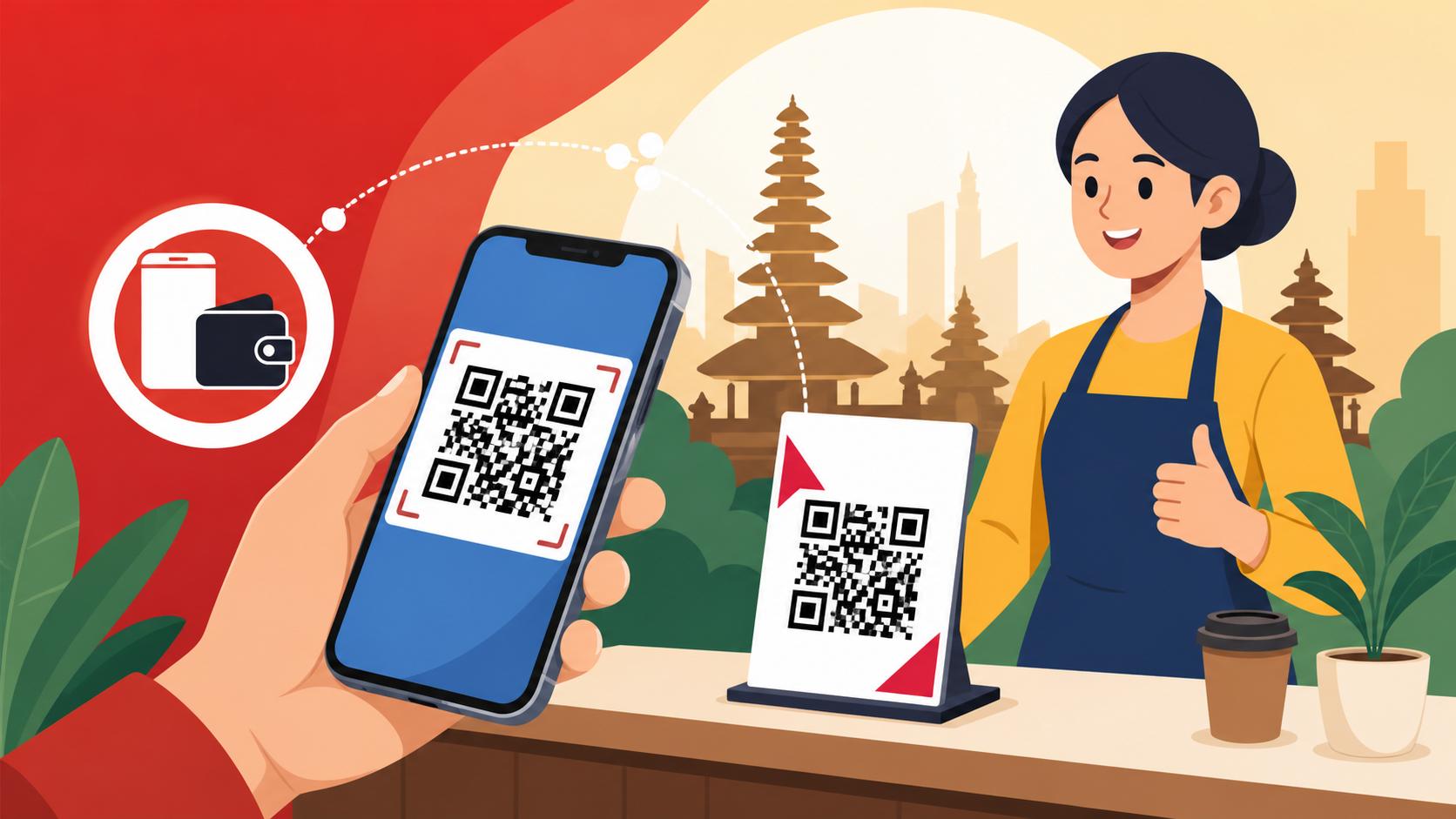
Once you're set up, using QRIS becomes second nature. You look for the "QRIS" logo—a square with a red, blue, and yellow pattern—point your phone's camera at it through your chosen app, and confirm the amount. It sounds simple, but there are nuances to daily life in Indonesia that you should be aware of.
Merchant-Presented vs. Customer-Presented Mode
Most of the time, you will be using "Merchant-Presented Mode." This is where the merchant has a static sticker or a dynamic screen showing a QR code. You scan it, type in the amount (always double-check the zeros!), and pay. However, in larger supermarkets like Grand Lucky or Ranch Market, you might use "Customer-Presented Mode." Here, you show your own QR code from the app, and the cashier scans it with their laser. This is generally faster and reduces the chance of you inputting the wrong amount. Knowing how to quickly find your own "Show QR" button is a key skill for navigating Cost of Living in Jakarta 2026: Rent, Schooling, and Lifestyle Benchmarks.
Paying Utilities and Subscriptions
One of the most powerful features of these apps is the ability to handle boring life admin. You can use your digital wallet to scan a QRIS code on your electricity bill or even pay for your home internet. In fact, learning How to Pay Utilities via M-Banking Apps (BCA Mobile, Livin' by Mandiri) will save you from ever having to visit a physical payment point at a minimarket again. You can also use QRIS to "Top Up" your e-money cards for the MRT and TransJakarta, which are vital if you want to survive the infamous Jakarta "Macet."
Large Purchases and Daily Limits
While QRIS is perfect for a 15,000 IDR juice, it’s also becoming common for large transactions. I’ve seen people pay for motorbikes and even down payments on apartments via QRIS. However, be aware of your daily transaction limits. Most e-wallets have a monthly cumulative limit on how much money can pass through the account (often around 40 million IDR for verified users). If you are managing a high Cost of Living in Bali 2026: Budgeting for Digital Nomads and Retirees, you might find that you hit these limits mid-month. In those cases, switching to your primary bank app’s QRIS feature is necessary, as those limits are usually much higher or tied to your overall account balance.
Managing Your Funds and Global Integration
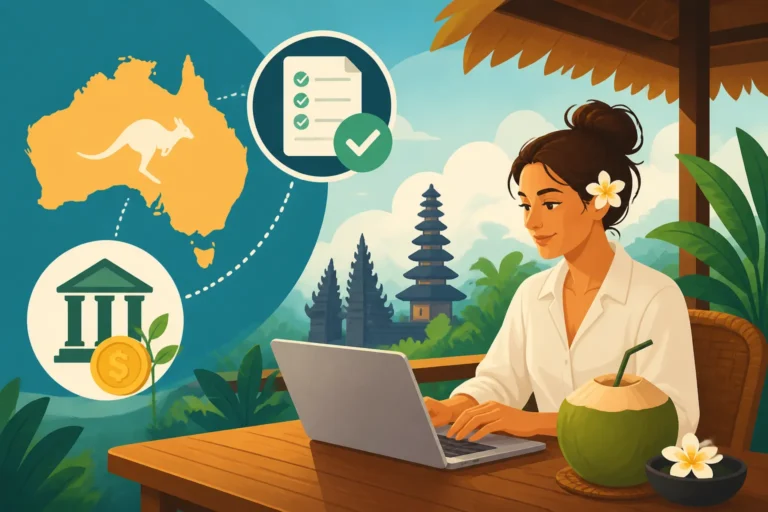
For many expats, the money they spend via QRIS doesn't start in Indonesia. It starts in an offshore account in USD, EUR, or AUD. Efficiently moving that money into your local "QRIS-ready" account is the difference between a 1% fee and a 5% fee.
Moving Money with Wise
To fund your QRIS lifestyle, you need a cheap way to get Rupiah into your local bank or e-wallet. Wise is the gold standard here. You can send money directly from your home country bank account into an Indonesian GoPay or OVO wallet in seconds. The exchange rates are generally the best you’ll find, and it bypasses the high "receiving fees" that many local Indonesian banks charge for international SWIFT transfers. By keeping your main savings in a multi-currency account and only "feeding" your Indonesian wallet as needed, you protect yourself against the volatility of the Rupiah.
Long-term Wealth Management
While QRIS handles your daily Padang rice and laundry bills, your broader financial health should be managed with global tools. Many expats in Indonesia use Interactive Brokers to maintain their investment portfolios in more stable markets. This allows you to grow your wealth in a "hard" currency while enjoying the relatively low cost of living that Indonesia provides. Similarly, for those who are into the tech scene in Bali or Jakarta, using Binance for crypto management is common, though you should always ensure you are complying with local tax regulations regarding digital assets.
Security and Public Networks
I cannot stress this enough: do not manage your QRIS wallets or banking apps over "Free Bali Wi-Fi" without protection. When you are out and about, your phone is constantly searching for connections. A "man-in-the-middle" attack can easily capture your login details. Using NordVPN on your mobile device should be a non-negotiable part of your digital hygiene in Indonesia. It allows you to maintain a secure, encrypted tunnel back to a server you trust, ensuring that your 6-digit PIN and bank credentials stay between you and the bank.
Troubleshooting and Common Pitfalls
Even with the best technology, things can go wrong. Indonesia’s infrastructure is rapidly improving, but it is not perfect. Being prepared for a "QRIS fail" is part of being a veteran.
The "Server Down" Moment
It happens. You’ve just finished a large meal, you go to scan the QRIS code, and the app just spins. Or worse, the money is deducted from your account, but the merchant’s machine says "Failed." Always carry a small amount of "emergency cash" (maybe 200,000 IDR) tucked behind your phone case. If a transaction "hangs," do not pay twice immediately. Show the merchant the "Pending" or "Success" screen in your transaction history. Most are understanding, but it can be a tense few minutes. Usually, the funds will automatically revert to your account within 24 hours if the merchant's gateway didn't acknowledge the receipt.
Refunds and Dispute Resolution
Disputing a QRIS transaction is significantly harder than a credit card chargeback. Because the payment is "push" (you send the money) rather than "pull" (the merchant takes it), the bank's default stance is that you authorized the payment. If you are overcharged, you must settle it with the merchant directly on the spot. Always check the amount on the cashier's screen before you input your PIN. If you have a major issue with a large merchant, you may need to contact the customer support of your specific app (like GoPay or BCA), but be prepared for a long conversation in Bahasa Indonesia or a very slow email chain.
Keeping Your Phone Alive
Your entire financial life is now on a device that has a battery. In the tropical heat of Indonesia, phone batteries can drain faster than usual, or the device can overheat and shut down right when you need to pay for a taxi. Invest in a high-quality power bank and keep it in your bag. If your phone dies in a Gojek, you’re not just lost; you’re unable to pay. This is one of those "lived experience" tips that new arrivals often ignore until they’re stranded in a downpour in Ubud with a black screen and no way to call for help.
Disclaimer
The information provided in this guide is for informational purposes only and does not constitute financial, legal, or investment advice. While every effort has been made to ensure the accuracy of the information as of 2026, regulations in Indonesia—especially those regarding immigration and digital finance—are subject to frequent and sudden change. Always verify current requirements with official government sources or qualified professionals before making significant financial decisions. The author is not responsible for any financial losses or administrative issues arising from the use of this guide.