Digital Banking and E-Wallets: How to Register for GoPay, OVO, and Dana
Standing at a supermarket checkout in Jakarta with a cart full of groceries while the cashier stares at you because your foreign credit card just got declined for the third time is a rite of passage no expat wants. I have been there, sweating under the fluorescent lights as a line of people grew behind me, feeling the stinging realization that "International Visa" doesn't mean "Always Accepted" here. This guide solves the digital payment puzzle, showing you how to set up the e-wallets and digital banks that actually work in Indonesia.
The Dominance of E-Wallets and the QRIS Revolution
If you have spent even forty-eight hours in an Indonesian city, you have likely seen a small, square, rainbow-colored barcode at every coffee shop, street food stall, and high-end boutique. This is QRIS (Quick Response Code Indonesian Standard). It has fundamentally changed how Money in Indonesia for Foreign Residents: Banking, Tax, and Financial Setup (2027) is managed. Unlike the fragmented systems in many Western countries, QRIS allows one universal barcode to accept payments from almost every major Indonesian e-wallet and banking app.
For a foreigner, relying solely on a physical wallet is a recipe for frustration. Many small vendors do not have change for the 100,000 IDR notes you just pulled from an ATM, and many mid-sized restaurants have terminals that frequently "lose connection" with foreign banks. By registering for GoPay, OVO, or Dana, you bypass the bridge between your foreign bank and the local merchant, instead operating within the local ecosystem. This ensures a 99% success rate at the point of sale.
The administrative hurdle for us, however, is that these apps are designed for Indonesian citizens with a NIK (National ID Number). As an expat, you are playing a slightly different game. You will need to navigate the "KYC" (Know Your Customer) process using your passport and KITAS. While the apps might look like simple toys, they are heavily regulated financial tools. Understanding how to bridge the gap between your home currency and these local wallets is essential, often requiring services like Wise to move funds into the country without losing a fortune on "hidden" bank fees.
Registering for GoPay: The Every-Day Essential
GoPay is the financial arm of the Gojek ecosystem, and for most expats, it is the first app they download. It is integrated directly into the Gojek app, which you will use for everything from hailing a motorbike to ordering late-night martabak. However, many newcomers make the mistake of staying on the "Basic" tier, which limits your balance and prevents you from transferring money to others.
The GoPay Plus Upgrade Process
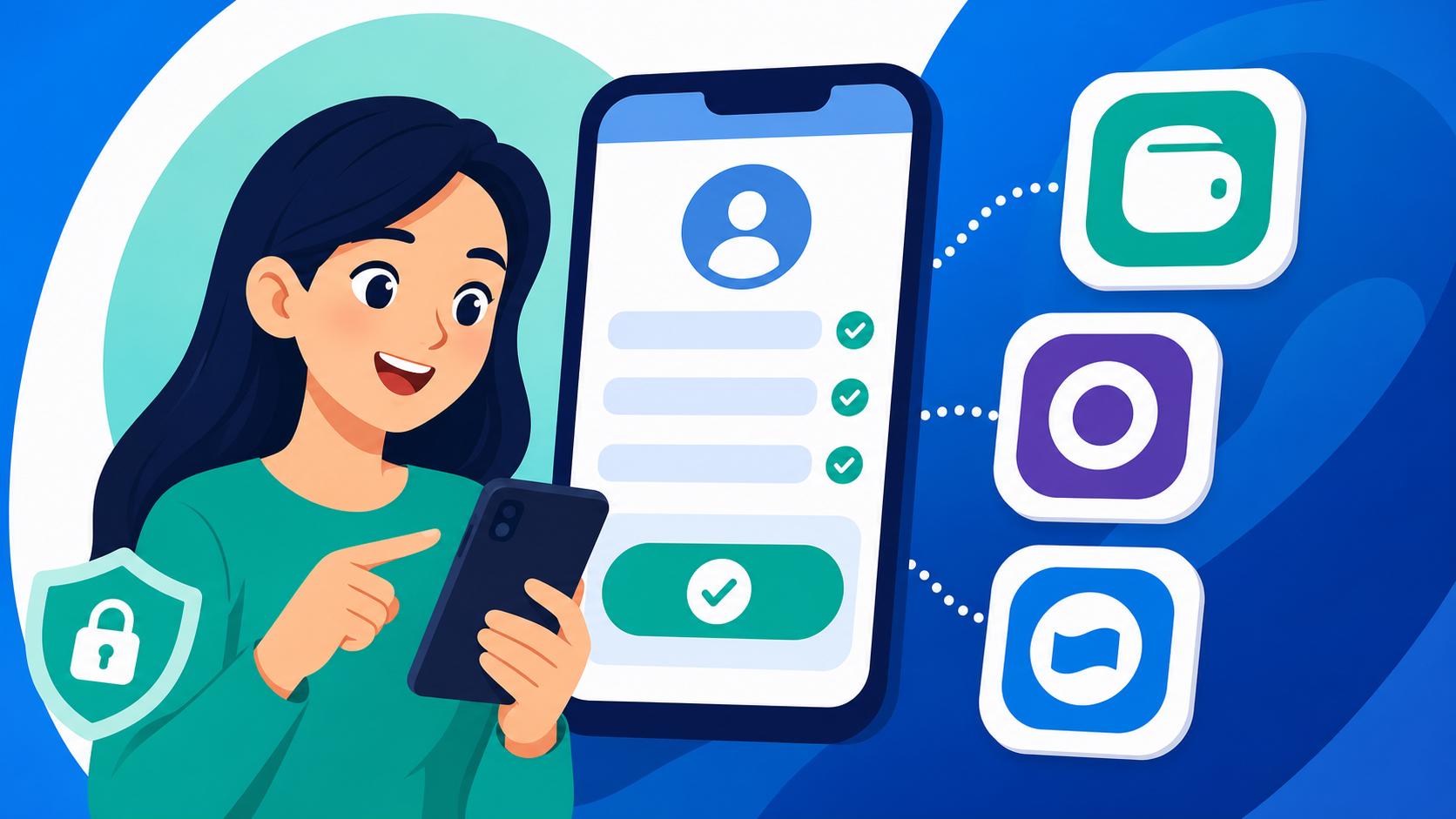
To really use GoPay as a resident, you must upgrade to GoPay Plus. This increases your balance limit from 2 million IDR to 20 million IDR and enables the "Withdraw" and "Transfer" features. For a foreigner, the process is notoriously "finicky." You will need to take a "selfie" holding your passport. My advice? Do this in bright, natural light. The AI-driven verification system often rejects photos where there is a glare on the passport’s laminated page.
If you encounter issues—and many do—it is usually because the name on your GoPay account does not perfectly match the name in your passport's Machine Readable Zone (the two lines of text at the bottom of the photo page). If your passport has a middle name, include it. If the app still rejects you, don't keep trying the same photo. Head to a Gojek "Driver Hub" or contact their support via the "Help" menu; they are surprisingly responsive to expats once they see a valid KITAS.
Topping Up Your GoPay Balance
Once you are verified, the next hurdle is getting money into the app. If you have already managed the process of Opening a Bank Account in Indonesia: Document Checklists (KITAS, NPWP, Passport), you can simply link your local bank. If not, you can top up via "minimarkets" like Alfamart or Indomaret. You simply tell the cashier your phone number and give them cash. For larger amounts, many expats use Wise to send money to their local bank account first, then move it to GoPay. This remains the most cost-effective way to avoid the atrocious exchange rates offered by traditional wire transfers.
OVO: The Retail and Grab Powerhouse
While GoPay owns the Gojek world, OVO is the king of the "Grab" ecosystem and many of the major shopping malls owned by the Lippo Group. If you find yourself shopping at Hypermart or eating at Maxx Coffee, OVO is your best friend. In my experience, OVO's registration system for foreigners is slightly more robust but equally strict about documentation.
Achieving OVO Premier Status
Like GoPay, OVO has a "Premier" tier. Without it, you are stuck with a 2 million IDR limit, which barely covers a week of groceries for a family. To upgrade to Premier, you will need to upload your passport and KITAS. One specific tip I’ve learned: OVO often requires a physical visit to an "OVO Booth" for foreigners in certain regions, though they have moved most of this to the app recently. You can find these booths in almost any Lippo-owned mall (like Lippo Mall Kemang in Jakarta or Lippo Mall Kuta in Bali).
The benefit of OVO Premier is the ability to invest in "OVO Invest" and the seamless integration with Tokopedia, Indonesia’s largest e-commerce site. If you are planning on Everyday Budgeting in Indonesia: Cost of Living in Jakarta vs Bali vs Regional, having a Tokopedia/OVO link is vital for paying electricity bills and internet subscriptions without having to leave your house.
Linking OVO to Your Lifestyle
OVO points (OVO Points) are another reason to use this app. You earn them on almost every transaction, and unlike many Western "rewards" programs, 1 point equals 1 IDR. It’s very common to find you’ve accidentally saved up 50,000 IDR just by ordering GrabFood. When your local bank app is down for "maintenance" (which happens more often than you’d expect), having a loaded OVO wallet is a life-saver.
Dana: The Utility and Independent Specialist
Dana is often the third choice for expats, but it shouldn't be overlooked. It is an "open" platform, meaning it isn't tied to a specific ride-sharing app. It is frequently used for paying monthly bills, BPJS contributions, and is the primary payment partner for many government-related services.
Navigating Dana Premium for Foreigners
Dana’s "KYC" process is known for being a bit of a stickler for the KITAS. While GoPay might occasionally let a "tourist" with a long-term B211A visa upgrade, Dana almost always insists on seeing that residency permit. If you are here on a Remote Worker Visa (E33G): Digital Nomad Requirements and Limitations, ensure your digital documents are clearly printed or displayed.
Dana’s interface is excellent for managing Utilities and Setup: PLN Electricity, PDAM Water, and Home Internet in Indonesia. You can save your meter numbers for electricity and water, and the app will notify you when a bill is due. For me, this was the end of the "oh no, the power is out because I forgot to buy a token" era of my expat life.
Cross-Border Benefits
Interestingly, Dana has been at the forefront of cross-border QR payments. You can often use your Dana balance to pay via QR in Singapore, Malaysia, and Thailand. For an expat who travels regionally, this is a massive advantage, though you should always check the current exchange rates within the app to ensure they aren't significantly worse than using a dedicated travel card.
Digital Banking: The Professional Alternative
If e-wallets feel too much like "pre-paid cards," you might want to look into digital-first banks. These provide a full bank account number, which is necessary for Receiving Salary in Indonesia: Payroll Deductions and Net Income Calculations. The two most popular for expats are Jenius (by BTPN) and Blu (by BCA).
| Feature | Jenius (BTPN) | Blu (BCA Digital) | GoPay/OVO (E-Wallet) |
|---|---|---|---|
| Account Type | Full Savings Account | Full Savings Account | Stored Value Wallet |
| Physical Card | Yes (Visa) | No (Virtual only) | No |
| Expats Allowed | Yes (Passport + KITAS) | Yes (Passport + KITAS) | Yes (Passport + KITAS) |
| International Tx | Good (Multi-currency) | Basic | Limited |
| Top-up Method | Bank Transfer/ATM | Bank Transfer/ATM | Minimarket/Bank/Agent |
| Best For | Monthly Expenses/Visa | Savings/BCA Ecosystem | Daily Transport/Food |
Jenius by BTPN: The Expat Favorite
For years, Jenius has been the go-to for foreigners because they were the first to make it easy for us to sign up. You can often start the registration in the app and then have a "Jenius Crew" member meet you at a coffee shop or your office to verify your documents. They provide a physical Visa debit card (the "m-Card") that actually works for international websites like Netflix or Amazon, which many local Indonesian "Classic" cards do not.
Jenius also allows you to hold multiple currencies (USD, SGD, AUD, etc.) within the app. While it isn’t quite as cheap as Wise for the initial transfer into the country, it is a very convenient way to manage Taxes in Indonesia for Expats: NPWP, PPh 21, and the 183-Day Rule because it provides clear, downloadable transaction statements that tax consultants actually accept.
Blu by BCA Digital
BCA is the most "trusted" bank in Indonesia. Their digital version, Blu, is sleek and reliable. The main reason to choose Blu is if you already deal with people who use BCA (which is everyone). Transfers between Blu and standard BCA accounts are usually seamless. However, for a foreigner, the sign-up process can be stricter regarding the "Domicile Letter" from your local village head.
Funding and Investing from Your Digital Base
Once your local digital banking and e-wallets are set up, you will eventually face the question of what to do with your Rupiah. If you are earning locally, you don't want to leave all your money in a local account that fluctuates wildly against the Dollar or Euro.
Moving Money Out of Indonesia
When you need to send money home, Wise is the undisputed champion. You can send IDR from your Jenius or Blu account directly to the local Wise IDR account, and they will flip it to your home currency at the mid-market rate. I have saved thousands of dollars over the years simply by avoiding the "International Transfer" button in my local Indonesian bank app, which usually hides a 3-5% spread in the exchange rate.
Investing for the Future
For long-term residents, you might want to explore International Money Transfers: Using Wise, SWIFT, and Local Bank Remittances to fund investment accounts. Many expats use their Indonesian income to fund Interactive Brokers for global stocks or Binance for cryptocurrency. While Indonesia has its own crypto exchanges (like Indodax or Pintu), many professional traders prefer the liquidity of global platforms. Just be aware that moving large amounts of IDR into these platforms may trigger "Proof of Funds" requests from Indonesian banks, so always keep your payslips and tax records handy.
Security and Privacy in the Indonesian Digital Space
Indonesia is a mobile-first country, but it is also a country with significant cybersecurity challenges. "Social engineering" scams—where someone calls you pretending to be from Gojek or a bank—are extremely common. They will ask for your OTP (One-Time Password). Never give this to anyone. No legitimate bank or e-wallet employee in Indonesia will ever ask for it.
Protecting Your Financial Apps
I always recommend using a VPN when accessing your banking apps on public Wi-Fi in Bali or Jakarta. A service like NordVPN ensures that your credentials aren't intercepted at a coffee shop. Furthermore, ensure that your Indonesian phone number (which is linked to all these apps) is registered in your own name. If you lose your SIM card and it’s not registered properly, you could lose access to your e-wallets and bank accounts for weeks.
Dealing with Account Freezes
If your account is suddenly frozen, don't panic. It is often a "security flag" caused by a large incoming transfer or an unusual spending pattern (like a sudden 20 million IDR purchase). Usually, a quick visit to the bank branch with your passport and KITAS will resolve it. If you are using digital banks, their chat support is the first line of defense. Always have a "backup" wallet; I never keep all my funds in just GoPay. I split them between a digital bank and at least two e-wallets to ensure I’m never stranded.
Summary of Registration Steps for Foreigners
If you are just arriving, follow this order of operations to ensure your financial life is set up correctly:
- Get a Local SIM Card: Register it with your passport at a provider's official store (Telkomsel or XL).
- Download Gojek and Grab: Register with your local number immediately.
- Apply for the Upgrades: Use your passport and KITAS to apply for GoPay Plus and OVO Premier.
- Open a Digital Bank Account: Start with Jenius for the easiest onboarding.
- Link Your International Transfer Tool: Set up Wise to move your initial "settling in" funds into your new Indonesian accounts.
- Register for an NPWP: As soon as you are a tax resident, link your tax ID to your bank accounts to avoid higher withholding taxes on interest.
Managing your money digitally in Indonesia is a hurdle, but once the systems are in place, it is one of the most convenient payment environments in the world. You will go from being the stressed person at the supermarket to the person effortlessly scanning a QR code for a 15,000 IDR coffee at a roadside stall.
For more detailed information on specific residency requirements, you may want to review KITAS Explained: Working, Dependent, and Investor Temporary Stay Permits to ensure your visa type allows for the financial activities you are planning. Furthermore, if you are looking to manage your wealth more broadly, understanding Taxes in Indonesia for Expats: NPWP, PPh 21, and the 183-Day Rule is essential to ensure your digital banking activities don't lead to an unexpected audit.
Disclaimer
This guide is for informational purposes only and does not constitute financial, legal, or tax advice. Regulations in Indonesia, especially regarding digital finance and immigration, change frequently. Always verify the latest requirements with official government sources or qualified professionals before making significant financial decisions. All brand names are trademarks of their respective owners.