How to Buy PLN Electricity Tokens via Mobile Banking at 2 AM
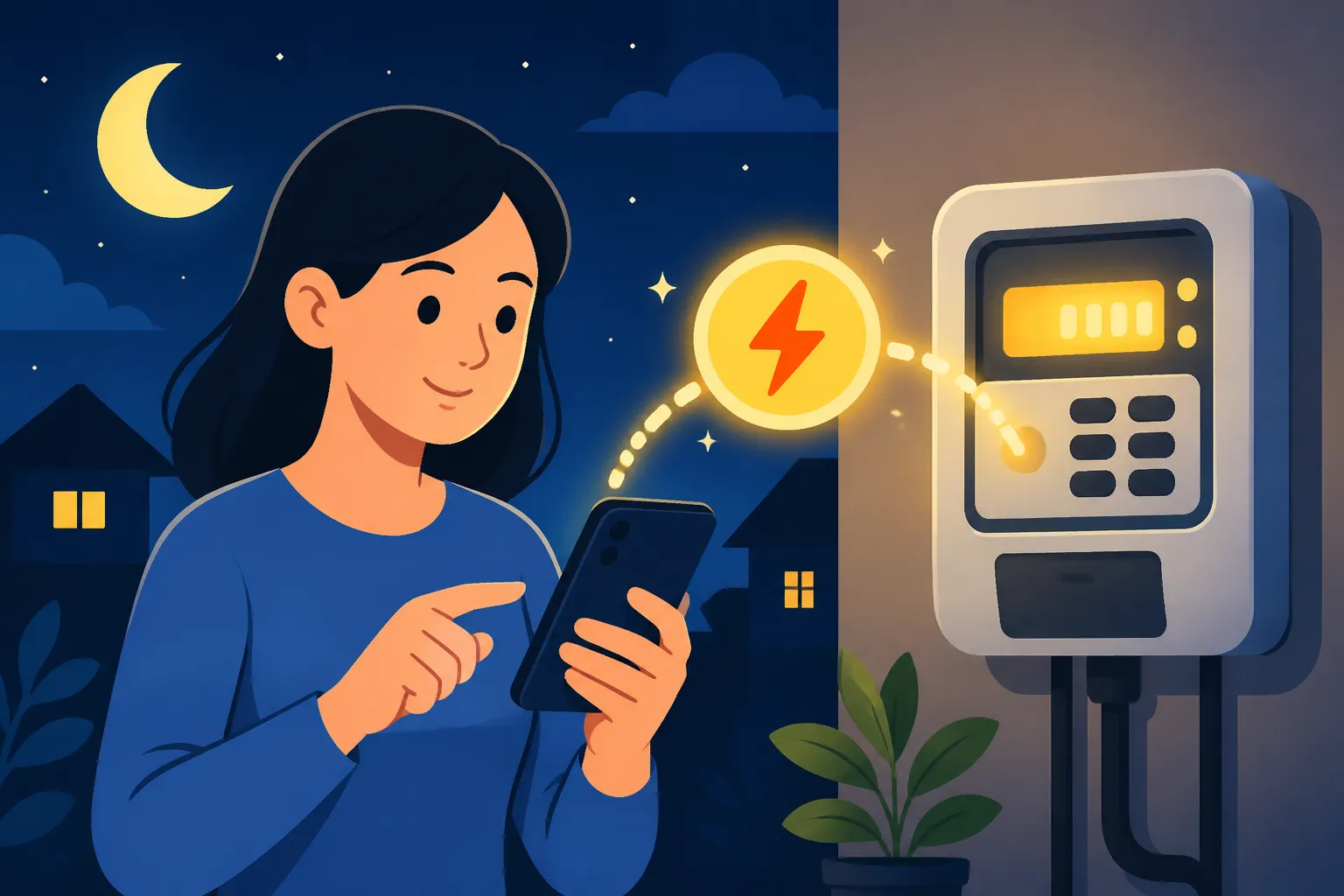
You are sound asleep in your villa in Canggu or your apartment in South Jakarta when a persistent, high-pitched "tit-tit-tit" sound pierces through the hum of the air conditioner. I remember my first month in Kuningan when I ignored that sound, thinking it was a neighbor's car alarm, only to wake up in a sweltering, pitch-black room because my electricity had run out. This guide solves the literal "darkness" problem by showing you exactly how to top up your PLN tokens at 2 AM using nothing but your phone.
Understanding the PLN Prepaid System in Indonesia
Before you can fix a blackout, you have to understand the hardware. Most modern residences in Indonesia use a prepaid system known as "Listrik Pintar" (Smart Electricity). Unlike back home where you might receive a monthly bill based on usage, here you buy "stroom" or tokens in advance. The KWH meter attached to your wall is your best friend and your worst enemy; it displays your remaining credit in kilowatt-hours and starts chirping when you hit a low threshold, usually around 20 kWh or 10 kWh, depending on your settings.
The anxiety of the low-token alarm is a rite of passage for every foreigner. When you are first Living in Indonesia as an Expat: The Complete Starter Guide (2027), the learning curve for utilities is steep. The prepaid system is designed to give consumers control, but it requires a level of vigilance that most of us aren't used to. You aren't just paying for power; you are managing a balance. If that balance hits zero, the power cuts off instantly—no grace periods, no warnings other than the beeping.
The first thing you need to locate is your Meter ID (Nomor Meter) or Customer ID (ID Pelanggan). This is an 11 or 12-digit number usually found on a barcode sticker on the meter itself. I highly recommend taking a photo of this and saving it as a favorite in your phone gallery or as a note. You cannot buy electricity without this number, and trying to read a fading sticker with a flashlight at 2 AM is a recipe for a headache. For more on the technical side of your home's energy, see my guide on Utilities and Setup: PLN Electricity, PDAM Water, and Home Internet in Indonesia.
Buying Tokens via Mobile Banking Step-by-Step
When the power is out, your home Wi-Fi is likely out too. This is where having a reliable mobile data plan is critical. If your primary SIM is struggling, having a backup through Airalo can be a lifesaver for getting back online just long enough to process a transaction. Most Indonesian banks have excellent mobile apps that operate 24/7, though they do occasionally have "maintenance windows" in the early hours of the morning.
Using BCA Mobile or MyBCA
BCA is the gold standard for banking in Indonesia for many expats. Their m-BCA interface is a bit dated but incredibly reliable. To buy a token:
- Log in to the m-BCA app and select "m-Commerce."
- Tap on "PLN Prabayar."
- Enter your 11 or 12-digit Meter/Customer ID. You can save this to your "Daftar Simpan" (Saved List) so you never have to type it again.
- Select the amount (Nominal). Options usually range from IDR 20,000 to IDR 10,000,000.
- Confirm the details. The screen will show the customer name—make sure it matches your landlord's name or your own.
- Enter your 6-digit m-BCA PIN.
- A 20-digit token code will appear on the screen. Screenshot this immediately.
Using Livin' by Mandiri
If you use Mandiri, the process is arguably even smoother because of their modern interface.
- Open the Livin' app and tap on the "Top-up" icon on the home screen.
- Select "PLN" and then "PLN Prabayar."
- Enter your Customer ID.
- Choose your token amount. I suggest a larger amount like IDR 500,000 or 1,000,000 to reduce the frequency of the beeping alarms.
- Review the transaction and tap "Lanjut Top-up."
- Enter your PIN.
- The 20-digit code will be displayed in your transaction receipt.
If you are still setting up your local accounts, understanding How to Pay Utilities via M-Banking Apps (BCA Mobile, Livin' by Mandiri) is a foundational skill for independent living here.
Using BNI Mobile Banking
BNI is another common choice, especially for those working in government-adjacent sectors or living in certain regional areas.
- Log in to the BNI Mobile Banking app.
- Select the "Pembelian" (Purchase) menu.
- Tap on "Listrik PLN" and then "Token Listrik."
- Choose "Input Baru" if it's your first time, and enter your ID.
- Select the account you want to pay from and the nominal amount.
- Enter your "Password Transaksi."
- Note down the 20-digit Stroom/Token code.
| Feature | BCA Mobile | Livin' by Mandiri | BNI Mobile |
|---|---|---|---|
| Availability | 24/7 (Except maintenance) | 24/7 | 24/7 |
| Admin Fee | IDR 2,500 – 3,000 | IDR 2,500 – 3,500 | IDR 3,000 |
| Ease of Use | High (Very stable) | Very High (Modern UI) | Medium (Menu heavy) |
| Receipt Save | Auto-saved in Inbox | Auto-saved in History | Needs manual screenshot |
Alternative 2 AM Solutions When Banking Fails
Sometimes, the banking apps go down for scheduled maintenance at exactly the wrong time. It’s usually between 12 AM and 3 AM. If you find yourself unable to log in to your bank, don't panic. There are secondary platforms that often have different maintenance schedules.
Shopee is surprisingly one of the most reliable ways to buy electricity tokens in the middle of the night. Their "Pulsa, Tagihan & Hiburan" section is robust. You can pay using ShopeePay, or if you have it linked, your local debit card. I’ve had many nights where my bank app was "loading" indefinitely, but a quick jump over to the marketplace app got my lights back on in under two minutes.
Another option is using e-wallets like GoPay, OVO, or Dana. These are essential parts of the Indonesian digital ecosystem. If you haven't yet, you should look into Digital Banking and E-Wallets: How to Register for GoPay, OVO, and Dana to ensure you have these backups ready. Gojek’s "GoTagihan" service is specifically designed for this. You just enter your ID, pay with your GoPay balance, and the token appears in your transaction history.
If you are a digital nomad working from a villa, you might find that Bali Co-Working Culture: Avoiding Scams and Securing Reliable Workspaces helps you find places with backup generators, but for your home life, these apps are your only defense. Even if you are just starting out and checking off your Health Checklist for Your First 30 Days in Jakarta or Bali, knowing how to handle your own utilities will save you from expensive "emergency" calls to your landlord at 3 AM.
Troubleshooting Common Token Issues
Once you have your 20-digit code, the battle is only half-won. You have to enter it into the meter correctly. At 2 AM, when you're tired and perhaps a little frustrated, it’s easy to miskey a digit.
Dealing with "Gagal" or "Error" Messages
If you enter the code and the screen says "GAGAL" (Fail), it usually means one of three things:
- Typo: You missed a digit. Press the backspace button (usually the yellow one) and try again slowly.
- Wrong ID: You bought a token for the wrong Meter ID. Double-check your receipt against the number on the meter.
- Limit Exceeded: Every meter has a maximum monthly limit of kWh it can accept based on its power rating (e.g., 1300VA, 2200VA). If you've been running five ACs 24/7 and buying huge amounts of power, the meter might reject a new token until the next month.
If the meter says "REJECT" or "BLOCKED," this is more serious. It usually indicates a technical fault or that the meter has been tampered with. In this case, no amount of token-buying will help. You will need to call the PLN emergency hotline at 123 (or [Area Code] 123 from a mobile). They have technicians available 24/7, but be prepared for a wait.
The "Tamper" (Periksa) Problem
If you see the word "PERIKSA" on your meter, the internal relay has tripped. This can happen due to a power surge, a loose wire, or even a very persistent gecko getting into the casing. When this happens, you need a "Clear Tamper" code from PLN. You cannot buy this code via an app; you must contact PLN customer service. This is one of those times where your Everyday Budgeting in Indonesia: Cost of Living in Jakarta vs Bali vs Regional might need to include a little extra for the "stress tax" of calling a technician.
Tips for Prevention
I always tell new arrivals that the best way to buy a token at 2 AM is to buy it at 2 PM the day before.
- Set the Alarm Higher: You can actually program your meter to start beeping when you have 50 kWh left instead of 20 kWh. This gives you a much wider window to buy credit during daylight hours.
- The "Emergency" Buffer: Some meters allow a small amount of emergency credit if you type in a specific code, but this is rare on newer models.
- Bulk Buying: While it’s tempting to just buy IDR 100,000 at a time, the admin fees add up. Buying IDR 1,000,000 once a month is more efficient and provides peace of mind.
If you are staying in temporary accommodation found via Agoda while searching for a long-term rental, you might not have to worry about this yet. But once you sign that lease and move into your own place, the "tit-tit-tit" will become a familiar part of your life. Learn to embrace the apps, keep your Meter ID saved, and you'll never be stuck in the dark for long.
Disclaimer
This guide is for informational purposes only. Electricity regulations, app interfaces, and banking procedures in Indonesia are subject to change by PLN and the respective financial institutions. Always verify your Customer ID before completing any transaction, as payments for incorrect IDs are generally non-refundable. For technical emergencies, always contact the official PLN 123 hotline.