How to Pay Utilities via M-Banking Apps (BCA Mobile, Livin’ by Mandiri)
Nothing is quite as jarring as the persistent, high-pitched "beep-beep-beep" of a low-balance electricity meter at three in the morning. I remember my first month in Jakarta, standing in the dark, frantically searching for a 24-hour minimarket in the pouring rain just to keep my air conditioner running. This guide solves that specific frustration by teaching you how to master Indonesian m-banking apps to pay every utility bill from your sofa.
The Digital Shift: Why M-Banking is Essential for Expats
When you first arrive, the Indonesian financial landscape can feel like a labyrinth of physical receipts and manual transactions. You might start by walking to the nearest Indomaret or Alfamart to pay your internet bill or top up your electricity. While this works, it is incredibly inefficient. The local "m-banking" culture is one of the most advanced in Southeast Asia, and once you have your credentials, you will rarely need to step foot in a bank or a store for administrative tasks again.
To get started, you must ensure you have already navigated Opening a Bank Account in Indonesia: Document Checklists (KITAS, NPWP, Passport) because these apps require a local phone number linked to your account. Indonesian banks like BCA and Mandiri are the heavy hitters here. Their apps, BCA Mobile and Livin' by Mandiri, are the gold standards for reliability.
Using these apps is not just about convenience; it is about security. When I am sitting in a coffee shop in Canggu or a co-working space in Kuningan, I never access my financial apps without having my NordVPN active. Public Wi-Fi in Indonesia is notoriously spotty and often unencrypted, making your banking credentials a prime target for local "sniffing" attacks. Once your connection is secure, these apps become your primary tool for maintaining your household without the "token panic."
Mastering BCA Mobile: The Reliable Workhorse
BCA (Bank Central Asia) is often the first choice for expats because of its massive ATM network and the legendary reliability of its mobile app. The interface might look like it was designed in 2010, but it rarely crashes. To pay utilities, you will primarily use the "m-Payment" and "m-Commerce" sections of the app.
Paying for Postpaid Electricity and Water
If you are living in an older landed house or a high-end apartment, you likely have a postpaid system. This means you receive a bill at the end of the month based on your usage. To pay this via BCA:
- Log into m-BCA with your access code.
- Select m-Payment.
- Choose "PLN" for electricity or "PAM/PDAM" for water.
- For water, you will need to select your specific region (e.g., PDAM Kota Jakarta). This is where many newcomers get stuck. You cannot just select "Water"; you must know which regional authority manages your area.
- Enter your Client ID number. I highly recommend saving this to your "Daftar Pembayaran" (Payment List) so you do not have to find the physical card every month.
Buying PLN Electricity Tokens
Most modern villas and apartments use the "Prabayar" (Prepaid) system. This involves buying a 20-digit code and punching it into your physical meter.
- Select m-Commerce.
- Select "PLN Prabayar."
- Enter your Meter Number or Client ID.
- Choose the amount (from IDR 20,000 to IDR 10,000,000).
- Once the transaction is successful, the 20-digit token will appear in your transaction history.
If you find your local balance is running low because you’ve been investing through Interactive Brokers or moving assets into Binance, you can quickly top up your BCA account using Wise. Sending money from your home country via Wise usually lands in your BCA account within minutes, ensuring you never have to deal with that dreaded "beep" for long.
Livin' by Mandiri: The Modern Powerhouse
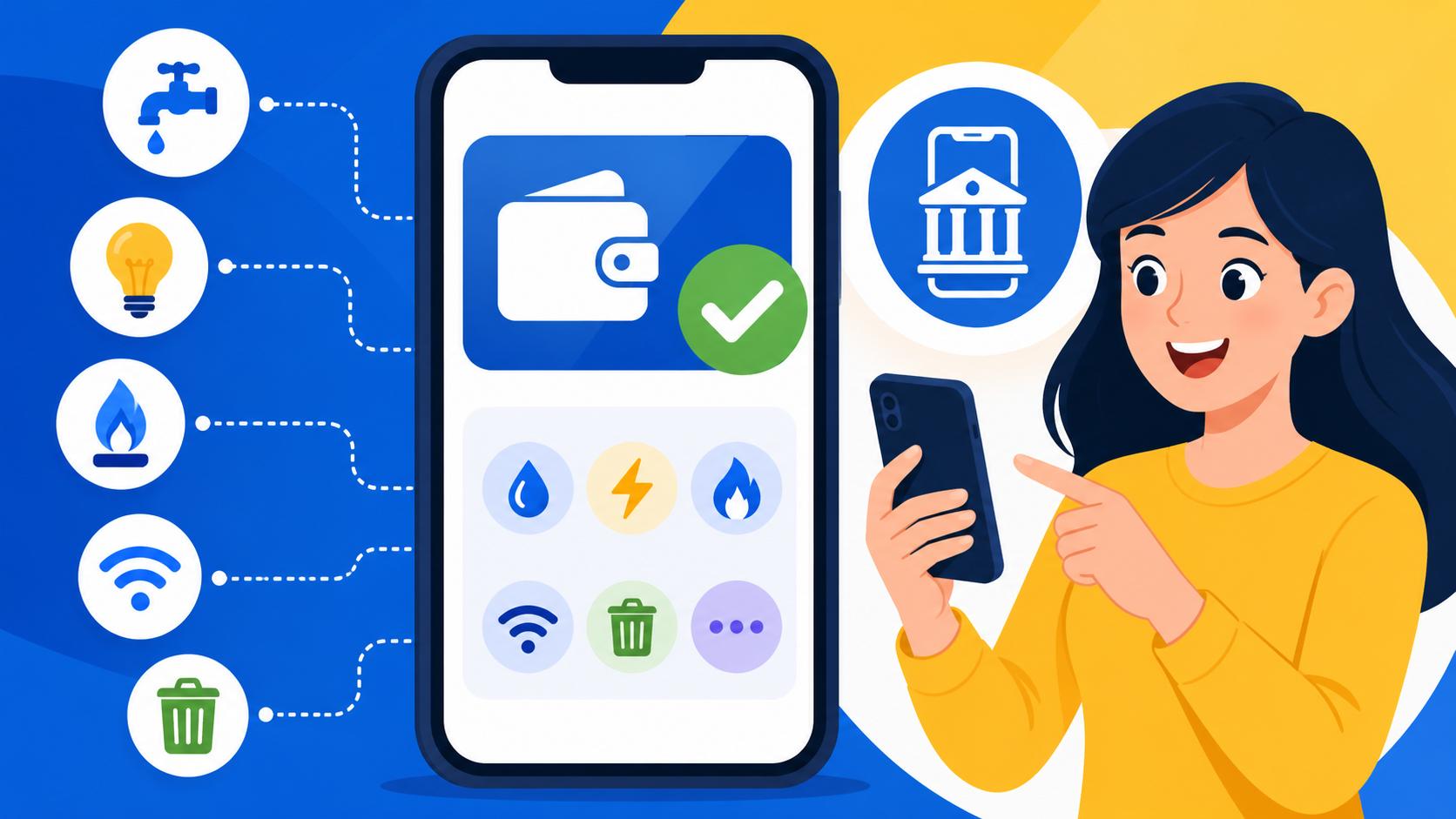
Mandiri's "Livin'" app (the yellow one) is arguably the most user-friendly banking app in the country. It feels much more like a modern fintech app than BCA's offering. The "Bayar" (Pay) feature is exceptionally intuitive and handles everything from your Indihome fiber optic bill to your monthly garbage fees if your housing estate is registered.
Step-by-Step Internet and Cable TV Payments
Internet providers like Biznet, MyRepublic, and Indihome are notorious for cutting your service the second the clock strikes midnight on your due date. To prevent this:
- Open Livin' by Mandiri and tap the "Bayar" icon on the home screen.
- Use the search bar to type your provider's name (e.g., "Biznet").
- Enter your Customer ID.
- The app will automatically pull the amount due.
- Confirm the payment with your 6-digit PIN.
What I love about the Mandiri system is the "Auto-debit" capability for certain utilities. If you are a busy professional, setting this up can save you from the embarrassment of having your internet cut out during an important call. You can find more about managing these local costs in our guide on Everyday Budgeting in Indonesia: Cost of Living in Jakarta vs Bali vs Regional.
Managing E-Wallet Top-ups for Miscellaneous Bills
Sometimes, a niche utility or a specific building management company might only accept payments through GoPay or OVO. In these cases, you use your m-banking app to "top up" these digital wallets.
- In Livin' by Mandiri, select "Top-up."
- Choose "E-wallet."
- Select "GoPay Customer" or "OVO."
- Enter your phone number and the amount.
This is a vital skill because many local services are increasingly integrated with Digital Banking and E-Wallets: How to Register for GoPay, OVO, and Dana. By keeping your e-wallets funded via your main bank account, you create a secondary layer of payment options.
Comparison of Payment Platforms for Expats
| Feature | BCA Mobile | Livin' by Mandiri | GoPay / OVO |
|---|---|---|---|
| User Interface | Functional / Dated | Modern / Intuitive | Very Easy |
| Reliability | Extremely High | High | Moderate (Server Dependent) |
| PLN Tokens | Via m-Commerce | Via Bayar Menu | Direct Home Screen |
| PDAM (Water) | Extensive Regional List | Excellent Search Function | Limited Regions |
| Admin Fees | IDR 2,500 – 3,500 | IDR 2,500 – 3,500 | IDR 1,000 – 2,000 |
| Token History | Saved in Inbox | Saved in Activity | Saved in History |
Handling Water (PDAM) and Internet Bills
Water bills (PDAM) are the "final boss" of Indonesian utilities. Unlike electricity, which is centralized through PLN, water is managed by hundreds of different regional entities. If you live in South Jakarta, you are likely under "AETRA" or "PALYJA." If you are in Bali, you might be under "PDAM Badung."
When you use Using Your BPJS Card (Kartu JKN): How to Register and Book at Local Faskes, you quickly realize how much regional bureaucracy matters. The same applies to your water. Always check your physical meter or your lease agreement to identify the exact PDAM provider. If you enter your ID into the "PDAM Jakarta" section but you actually live in Tangerang, the app will simply say "ID Not Found," which can be incredibly confusing for a new expat.
For internet, if you are unsure how to handle the initial setup before you can even pay the bills, I suggest reading Utilities and Setup: PLN Electricity, PDAM Water, and Home Internet in Indonesia. Most providers will require you to pay the first month upfront, often via a "Virtual Account" number that you can input into the "Transfer" or "Payment" section of your m-banking app.
Common Pitfalls and Troubleshooting
Even with the best apps, things go wrong. Here are the most common issues I have faced and how to solve them:
1. The "System Under Maintenance" Error
Indonesian banks love to do maintenance at midnight on weekends. If your electricity token is at "0" and the bank app is down, you are in trouble. This is why I always keep a small balance in a secondary app. If BCA is down, I use Mandiri. If both are down, I check my GoPay. Having multiple Top Banks for Expats: Comparing BCA, Mandiri, BNI, and Digital Banks (Jenius) accounts is not just a luxury; it is a survival strategy.
2. The Missing Token Number
On BCA Mobile, if you lose the screen with your 20-digit PLN token, don't panic. Go to the "Inbox" feature within the m-BCA menu. Select "Pernyataan" (Statement) or "Sent," and you will find the confirmation of your purchase, including the token number.
3. Incorrect Client ID
If the app tells you "ID Pelanggan Salah" (Incorrect Customer ID), double-check if you are confusing the Meter Number (11 digits) with the Client ID (12 digits). Most apps accept both, but some older meters only respond to one. This is a common hurdle mentioned in our Health Checklist for Your First 30 Days in Jakarta or Bali because getting your home environment stable is the first step to mental well-being here.
4. High Admin Fees on Small Purchases
If you buy an IDR 20,000 token, you will still pay an IDR 3,000 admin fee. Over time, this adds up. I prefer to buy larger increments (IDR 1,000,000 or more) to minimize the ratio of fees to actual utility credit. Since my global income is managed via Wise, I usually do one large transfer a month to cover all these "local leaks."
Why You Should Never Wait Until the Last Minute
In Indonesia, "jam karet" (rubber time) applies to everything except utility shut-offs. The automated systems for PLN and internet providers are ruthlessly efficient. If your bill is due on the 20th and you pay on the 21st, your service will likely be suspended by 12:01 AM.
Mastering these apps allows you to stay ahead of the curve. I usually set a "Financial Day" on the first of every month. I log into my Interactive Brokers account to check my long-term goals, move my monthly "living budget" from my home country using Wise, and then spend 10 minutes inside the BCA and Mandiri apps clearing every single bill. It’s a ritual that has saved me from countless cold showers and dark nights.
If you are still in the process of getting your residency permits sorted so you can access these banking features, make sure to check out Visas and Permits in Indonesia: The Complete Expat Guide (2027) to speed up your path to financial localism. Once you have that KITAS and your local bank account, the "beep-beep-beep" of the meter will no longer be a source of stress, but just a simple notification to open your phone and tap a few buttons.
Disclaimer
This guide is intended for informational purposes only. Banking app interfaces and utility provider regulations in Indonesia change frequently. Always verify current transaction fees and procedures directly with your bank or utility provider. The author is not responsible for any financial losses or service interruptions resulting from the use of this information.