Using the Mobile JKN App: Registration, Checking Status, and Changing Clinics
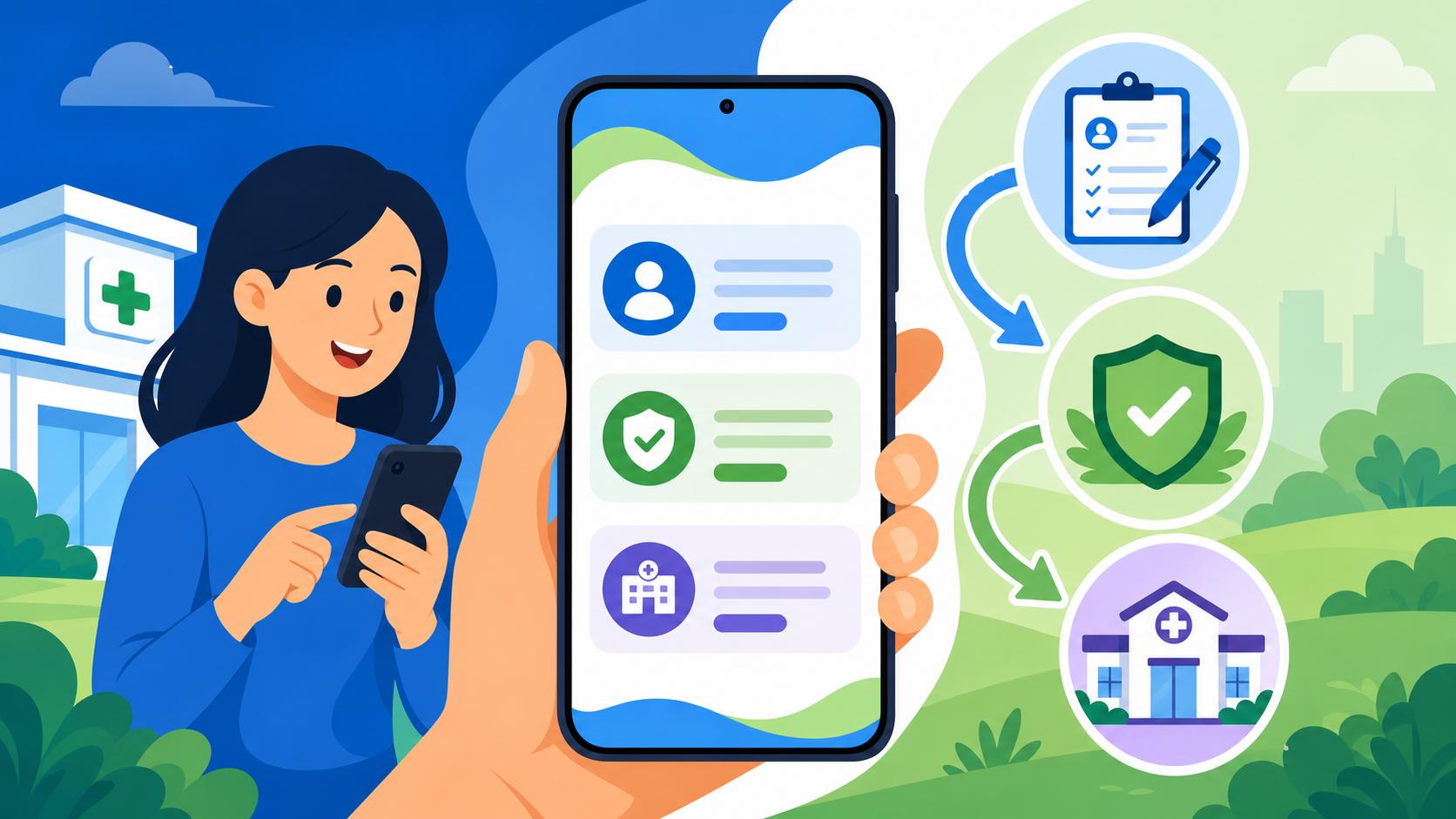
If you have ever stood in a humid, crowded BPJS office at 7:00 AM just to ask a simple question about your insurance status, you know the true meaning of administrative frustration in Indonesia. I spent my first two years here doing exactly that, thinking it was the only way to stay compliant. This guide solves that headache by showing you how to master the Mobile JKN app, keeping you out of the queues and in control of your healthcare from your phone.
What is Mobile JKN and Why Every Expat Needs It
In the past, managing your national health insurance in Indonesia involved physical cards, paper booklets, and endless trips to the local branch office (Kantor Cabang). Mobile JKN is the official digital platform of BPJS Kesehatan, designed to move the entire Healthcare in Indonesia for Foreign Residents: Complete System Overview (2027) into the palm of your hand. For those of us living here on a KITAS or KITAP, this isn't just a "nice-to-have" app; it is a critical tool for survival.
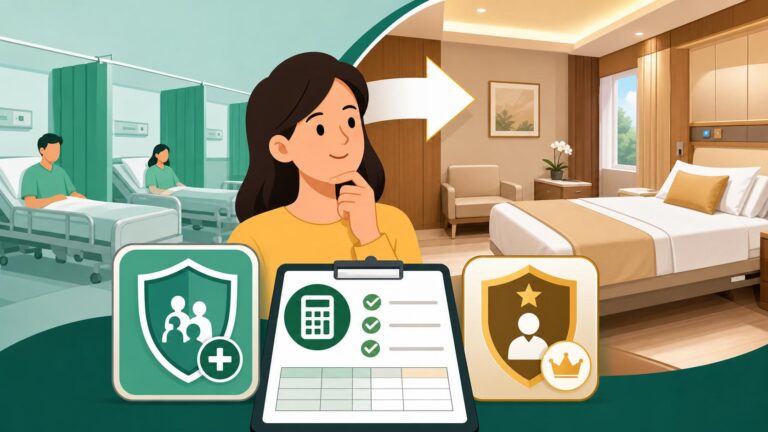
The app acts as your digital identity. Since Indonesia is moving toward the Transitioning to KRIS: What Standard Inpatient Classes Mean for Expats system, your digital record is increasingly more important than any physical card you might have been issued. If you lose your wallet or your physical KIS (Kartu Indonesia Sehat) card, the app serves as legal proof of insurance. Beyond just a digital ID, it allows you to bypass the chaotic waiting rooms of local clinics by booking appointments in advance.
I remember a time when I had a sudden fever in South Jakarta. Instead of walking into a clinic and waiting behind forty other patients, I used the app to see exactly how many people were in the queue before me. It changed the way I viewed the public system entirely. It bridges the gap between the often-confusing bureaucracy and the modern digital lifestyle we expect as expats.
Getting Started: Registration and Initial Setup for Foreigners
Registration is usually the hurdle where most foreigners give up. The app is primarily in Bahasa Indonesia, and the validation requirements are strict. Before you even download the app from the Play Store or App Store, ensure you have your NIK (Nomor Induk Kependudukan) ready. This is the 16-digit number found on your KTP-WNA or your SKTT (Surat Keterangan Tempat Tinggal). If you don't have this number yet, you cannot register for the app.
Once you open the app, you will need to select "Daftar" (Register) and then "Pendaftaran Pengguna Mobile" (Mobile User Registration). Here is the catch: the phone number you use must match the one registered in the BPJS database when you first signed up. If your HR department handled your Mandatory BPJS Enrollment: Who Must Register and Employer Obligations, they might have used a generic company number or a placeholder. If the app tells you your data doesn't match, you may need to call the BPJS care center at 165 to update your phone number first.
After entering your NIK, the app will send an OTP via SMS. Ensure you have a small amount of credit (pulsa) on your phone, as these international-style automated SMS services in Indonesia often charge a few hundred Rupiah to send the code. Once verified, you’ll create a password. Pro tip: use a password you won't forget, as the "Forgot Password" process can be another circular loop of SMS verifications that sometimes fail with foreign-registered SIM cards.
Checking Your Membership Status and History
Once you are logged in, the home screen displays several icons. The most important one for your peace of mind is "Peserta" (Participant). This section shows your current status. You want to see the word "AKTIF" in a green box. If it says "NON-AKTIF," you are not covered, and hospitals will likely ask for a large cash deposit upfront.
The status often changes to "Non-Aktif" if there is a payment delay. For those employed by an Indonesian company, your employer is responsible for these payments, but errors happen. You can use the app to check your payment history under the "Pembayaran" (Payment) tab. If you are an investor or a freelancer on a different visa, you might be paying your premiums independently. In that case, checking the "Tagihan" (Billing) section regularly is vital to avoid the 5% late fee or, worse, a total suspension of benefits.
If you ever find yourself wondering why your deduction changed, it’s usually due to government updates on the Calculating BPJS Contributions: The 12 Million IDR Salary Cap Explained. The app provides a transparent log of what has been paid and when, which is incredibly helpful when you're trying to prove to a new landlord or a visa agent that your social obligations are up to date.
How to Change Your Primary Clinic (Faskes Tingkat 1)
This is perhaps the most powerful feature for expats. When you first register for BPJS, you are assigned a "Faskes Tingkat 1"—usually a public Puskesmas or a small private clinic near your registered address. However, as expats, we often move houses or find that our assigned clinic doesn't have English-speaking staff.
To change your clinic, go to "Perubahan Data Peserta" (Change Participant Data). You will see your current clinic listed. Click the arrow to select a new one. You can search by province and city. For example, if you move from Kemang to Canggu, you can search for "Bali," then "Badung," and look for a "Klinik Pratama" that is more convenient.
The 3-Month Rule: You can only change your primary clinic once every three months. Additionally, the change does not happen instantly. If you change it on the 15th of June, your new clinic registration will only become active on the 1st of July. Plan accordingly! If you are looking for a better facility, I always recommend Choosing a Primary Clinic (Faskes Tingkat 1) vs Going Direct to a Hospital to ensure you pick a location that has better facilities or more experienced doctors.
| Feature | Description | Who Can Use It |
|---|---|---|
| Pendaftaran Pelayanan | Digital queue booking for your primary clinic | All Active Members |
| Info KSPM | Check your "skrining riwayat kesehatan" (Health screening) | All Members |
| Ubah Data | Change address, phone, or primary clinic | Members active > 3 months |
| KONSULTASI DOKTER | Chat directly with a doctor at your Faskes | All Active Members |
| Info Iuran | View current bills and payment history | Independent (Mandiri) Users |
Booking Appointments and Skipping the Queue
One of the biggest complaints about public healthcare is the wait time. Mobile JKN has a "Pendaftaran Pelayanan" (Service Registration) feature that allows you to book a time slot. When you select this, you choose whether you are going for a general check-up, dentistry, or a lab test.
Once you book, you get a digital queue number. The app will even show you the "Antrean Real-time"—how many people are currently being served. This allows you to stay at home or in a nearby coffee shop until your number is close. This is a game-changer for Finding Medical Care in Indonesia: Clinics, Hospitals, and International Facilities because it removes the "first-come, first-served" stress of arriving at a clinic at 6 AM.
If you don't actually need to see the doctor in person, the "Konsultasi Dokter" feature allows for a text-based chat. While it isn't a replacement for a full physical exam, it is excellent for getting a quick Apotek Guide: Prescription Workflow, Refills, and Communicating with Pharmacists or asking about basic symptoms. If the doctor determines you need medicine, they can often issue a digital prescription that you can pick up at the clinic's pharmacy.
Comparing Public Coverage with Private Solutions
While Mobile JKN makes the BPJS system much more manageable, it doesn't change the fact that BPJS has limitations. You are generally restricted to standard wards and specific lists of government-approved medications. For many expats, this is where the system feels a bit "basic."
To bridge this gap, many of us maintain a secondary private policy. Cigna Global is a popular choice among the international community here because it allows you to access premium international hospitals like Siloam or Sos Medika without going through the BPJS referral "ladder." While I use Mobile JKN for routine matters and to stay legal for my KITAS, I rely on Cigna Global for major emergencies or if I want a private room and a specialist who trained in the UK or Australia. It provides that extra layer of comfort that the standard Indonesian ward system might lack.
Managing Health with Supplements and Local Options
Staying healthy in the tropics requires more than just a good insurance app. The humidity and local diet can be a shock to the system. While you can use the app to find an "Apotek" (pharmacy), the range of high-quality vitamins and supplements in local Indonesian stores can be surprisingly limited or overpriced.
I’ve found that many expats prefer to source their specialized supplements—like high-dose Vitamin D3, probiotics for "Bali Belly," or specific keto-friendly electrolytes—from iHerb. They ship to Indonesia quite reliably, and if you keep your order under the $500 IMEI-style tax thresholds (though usually, the concern is the $75-100 customs sweet spot), it’s much cheaper than buying imported brands in Jakarta malls. Using the Mobile JKN app for your primary care and iHerb for your preventive wellness is the "pro-expat" way to stay out of the hospital in the first place.
Troubleshooting Common Mobile JKN Errors
Even the best-laid plans go awry when Indonesian servers are involved. One common error is the "Data Tidak Ditemukan" (Data Not Found) message. This usually happens because your NIK hasn't been properly "synced" between the Ministry of Home Affairs (Disdukcapil) and BPJS. If this happens, you sadly cannot fix it in the app. You will need to send a WhatsApp message to the BPJS "PANDAWA" service (each region has its own number, or use the national one) to request a data sync.
Another common frustration is the app failing to send the OTP. If you've tried three times and nothing happens, check your "Izin Aplikasi" (App Permissions) in your phone settings and ensure the app has permission to read SMS. Also, double-check that you haven't blocked "Short Code" messages on your mobile provider (like Telkomsel or XL), as they often categorize government OTPs as spam.
If you find that your payment isn't showing up, remember that it can take up to 24 hours for the system to update after you Pay BPJS Independently via GoPay, Tokopedia, or Minimarkets. Don't panic and pay twice; just keep your digital receipt from GoPay or your bank app as proof.
Essential Internal Links for Further Reading
To truly master the local landscape, you should also look into these specific guides:
- How to Enroll in BPJS Kesehatan After Getting Your KITAS (Step-by-Step)
- Finding an English-Speaking Clinic in South Jakarta (Kemang and SCBD)
- Managing Chronic Conditions: Diabetes, Hypertension, and Long-Term Medication
- Using Your BPJS Card (Kartu JKN): How to Register and Book at Local Faskes
- Medical Certificates for Work: What Employers Legally Require
Important Disclaimer
The information provided in this article is for general informational purposes only and does not constitute legal, financial, or medical advice. Indonesian immigration and healthcare regulations, including BPJS Kesehatan policies and Mobile JKN app functionality, are subject to frequent changes. While we strive to provide accurate and up-to-date information, always verify current requirements with official government sources or qualified professionals before making decisions regarding your residency or health coverage.